Documentation Index

Fetch the complete documentation index at: https://docs.paraminternationalltd.com/llms.txt

Use this file to discover all available pages before exploring further.

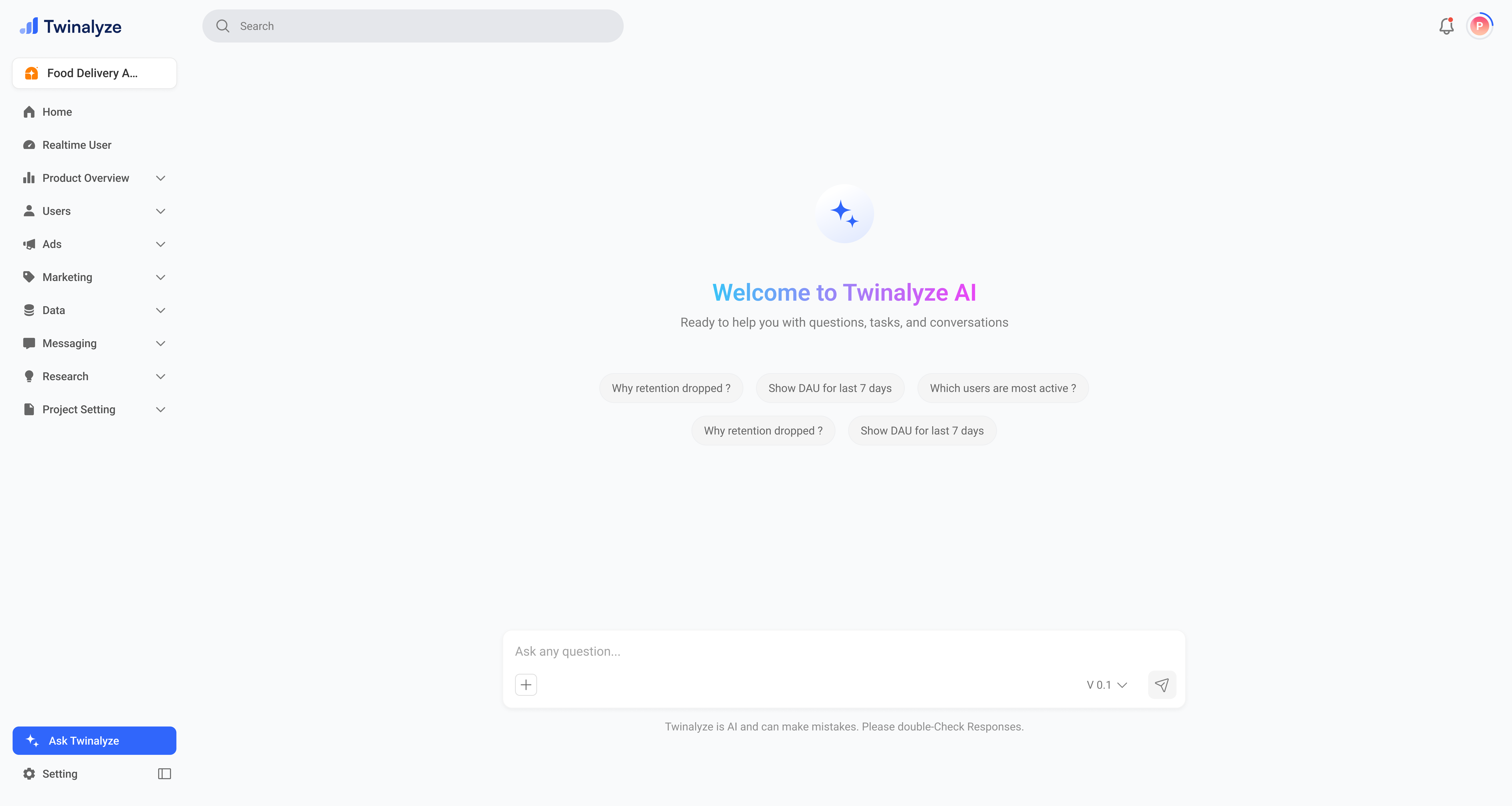
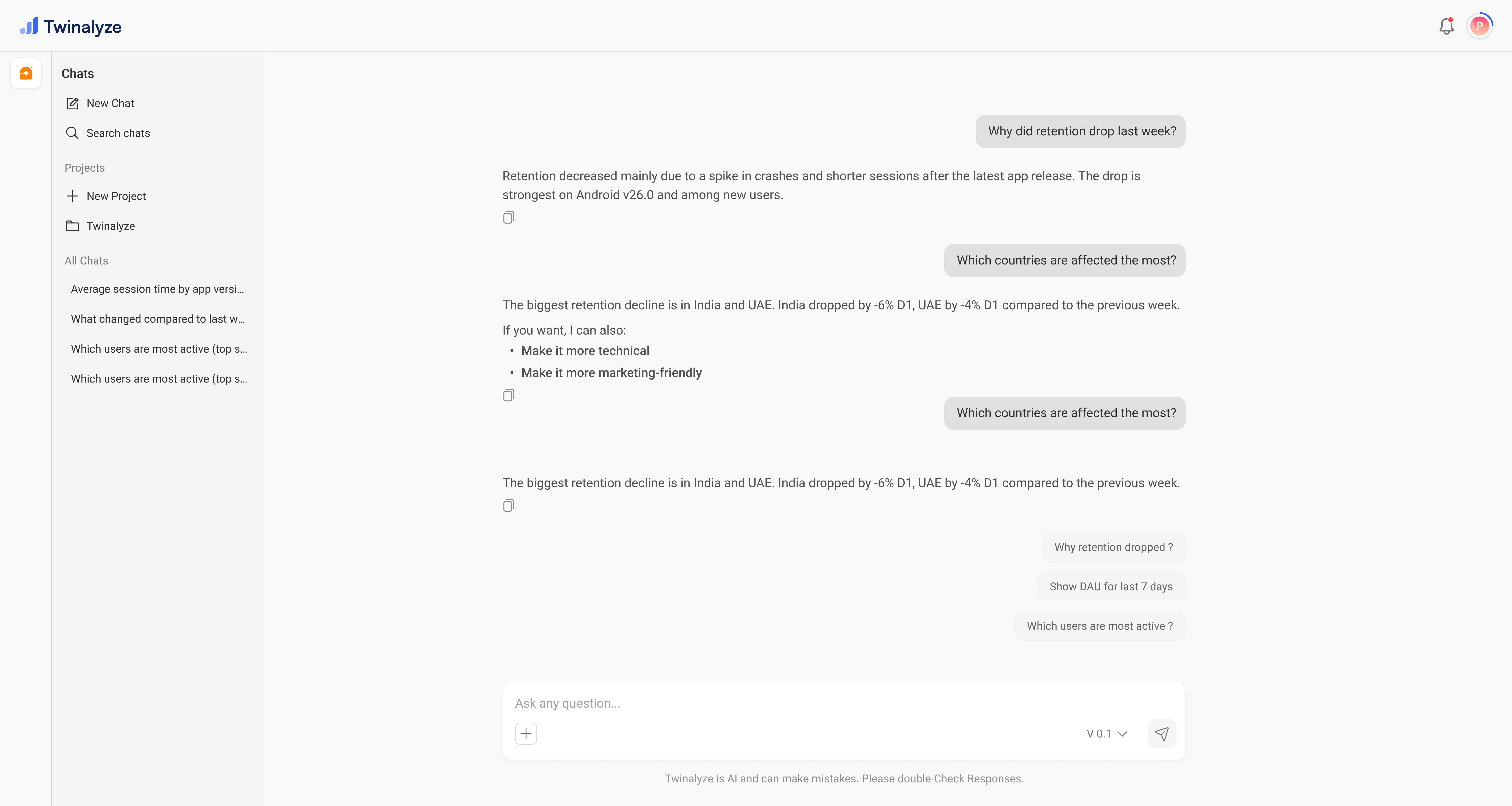
Ask AI helps you quickly understand your analytics data using simple questions. You can ask questions about users, events, retention, campaigns, reports, and product activity.

Watch Ask AI demo

Use this interactive demo to understand how Ask AI works inside Twinalyze.

What you can do with Ask AI

Ask analytics questions

Ask questions about users, events, sessions, retention, and product performance.

Get quick insights

Understand important trends without manually opening multiple reports.

Save time

Quickly find answers from your analytics data using natural language.

Example questions

You can ask questions like:
  • Which users were active today?
  • Which events are growing this week?
  • What is my user retention?
  • Which screen has the highest drop-off?
  • How many users completed checkout?
  • Which campaign performed best?
Ask AI works best when your project has enough event and user data.

Best practices

Use simple and direct questions. For example, ask “How many users opened the app today?” instead of vague questions.
Add time periods like today, yesterday, last 7 days, or last month to get more accurate answers.
If you know the event name, include it in your question. For example, “How many users triggered add_to_cart last week?”