

 Overview
 Analytics
 SDKs
SDKs Integrations
 Changelog
Connect Google Ads
Open Integrations
In Twinalyze, open your project and go to Project Setting → Integrations.
Find Google Ads under the Marketing section.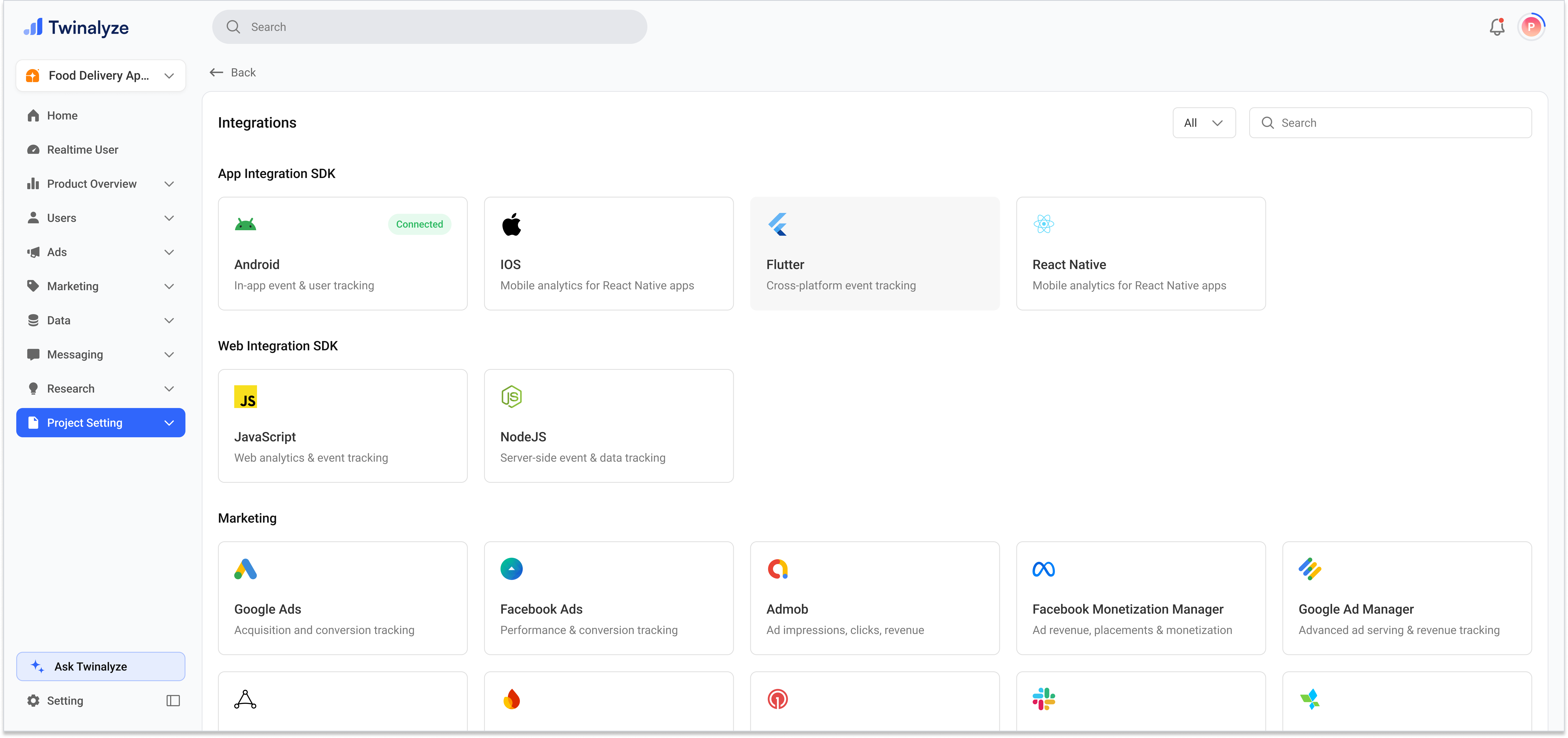
Start the connection
Select Google Ads from the integrations page.Review the information about how Twinalyze uses your Google Ads data, then click Connect with Google Ads.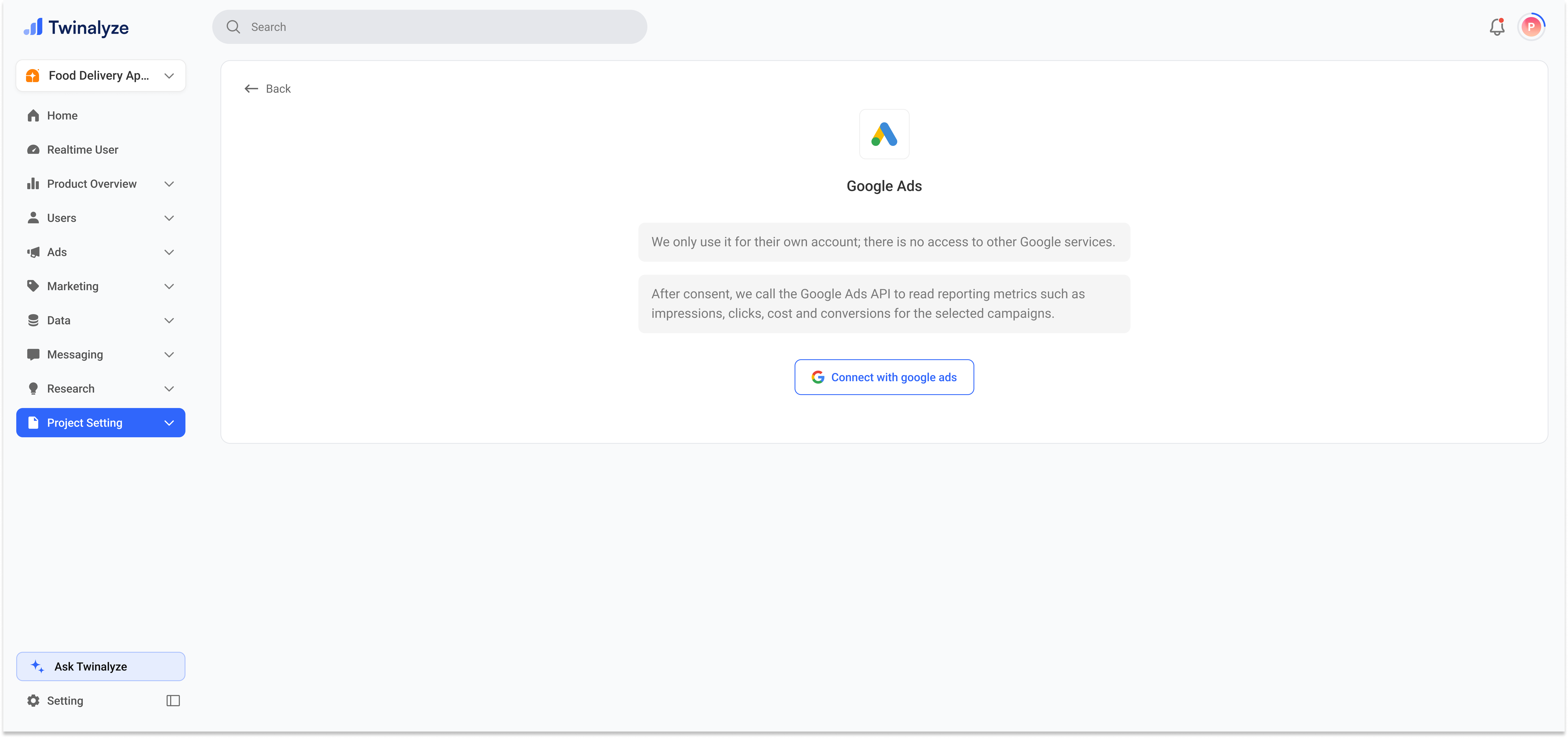
Choose a Google account
Select the Google account that has access to the Google Ads account you want to connect.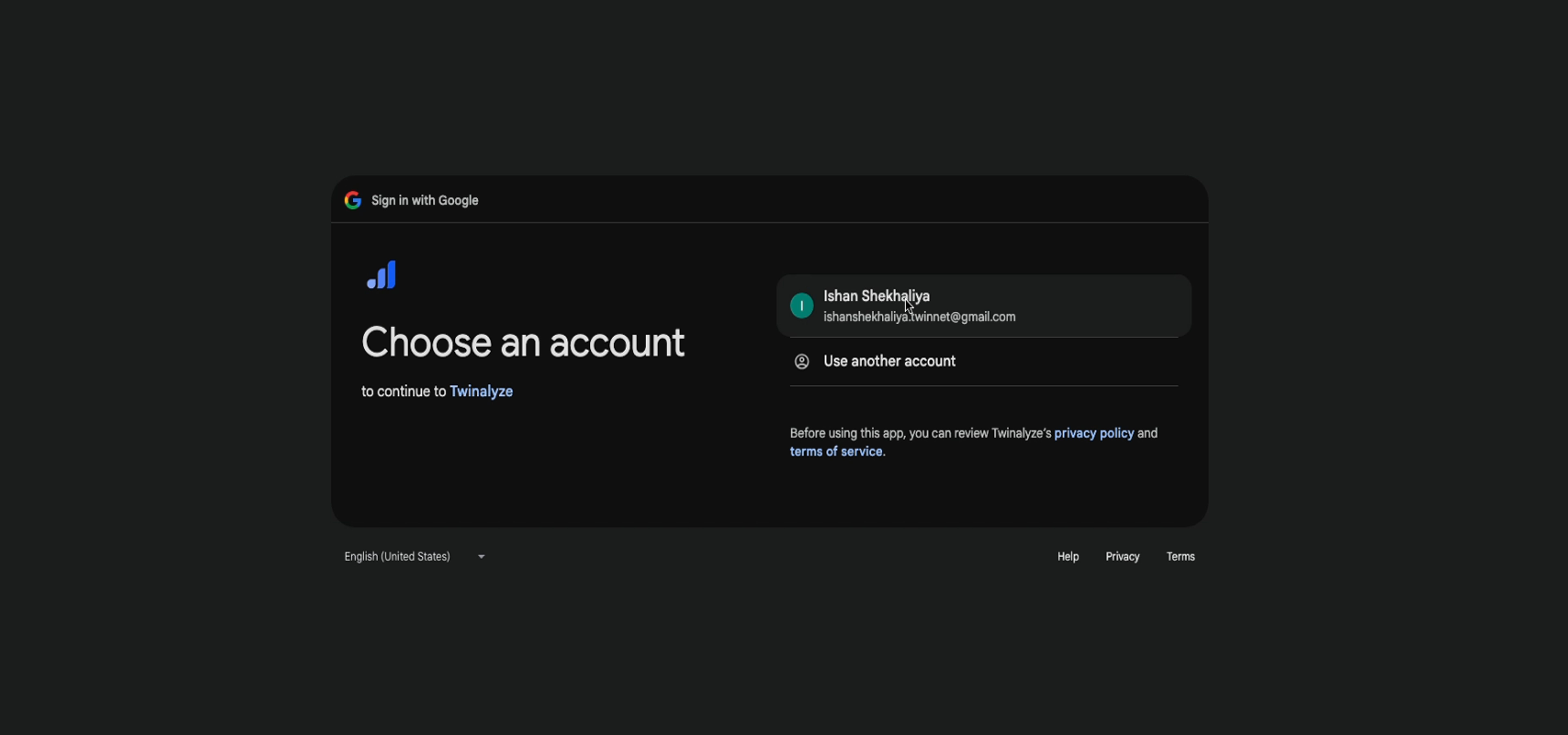
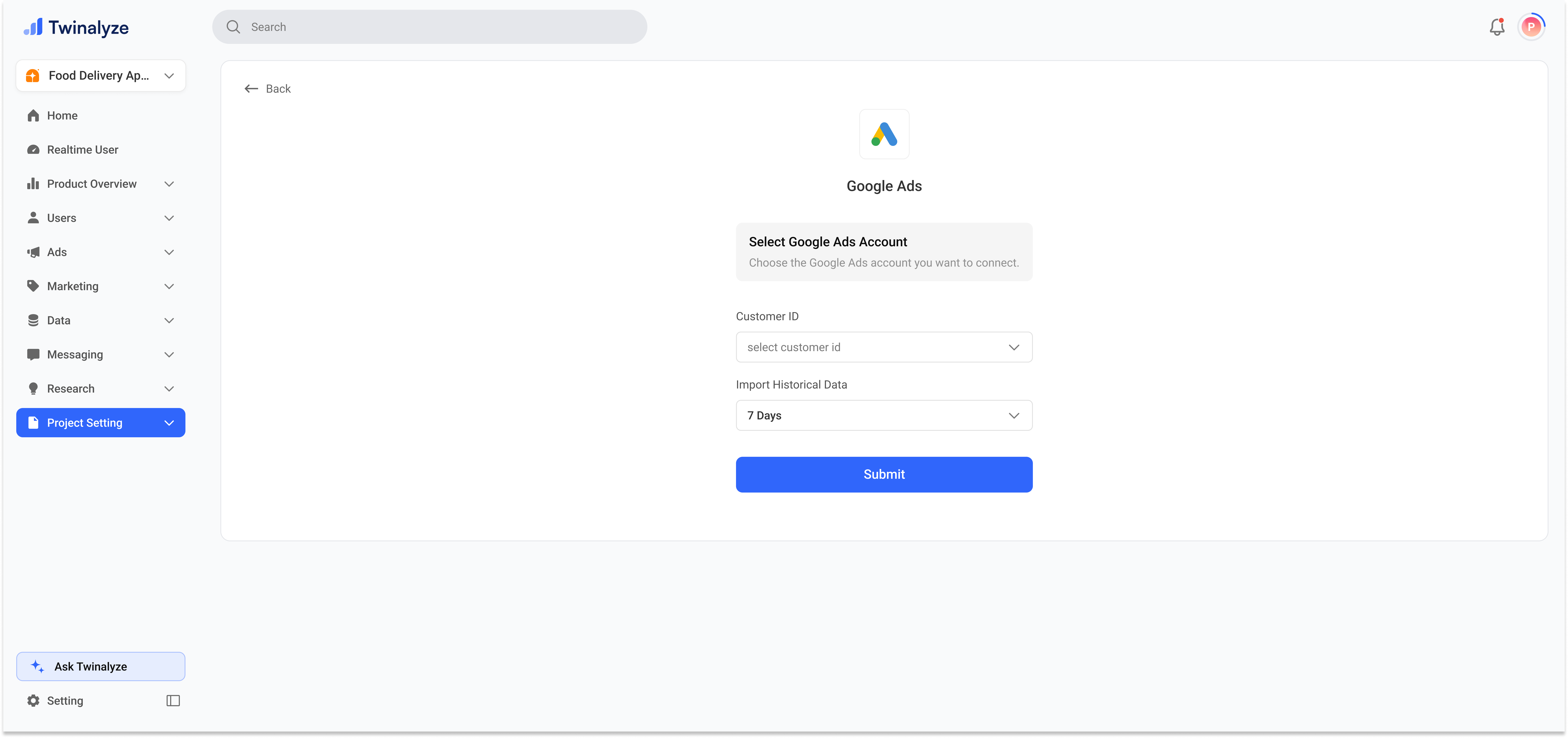
Data imported from Google Ads
Twinalyze can read reporting data for the selected Google Ads account, including:- Impressions
- Clicks
- Advertising cost
- Conversions
- Campaign performance
- Historical reporting data for the selected period