

 Overview
 Analytics
 SDKs
SDKs Integrations
 Changelog
Create an account
Go to Twinalyze.com
Open the Twinalyze website and click Get started or Sign in from the top-right corner.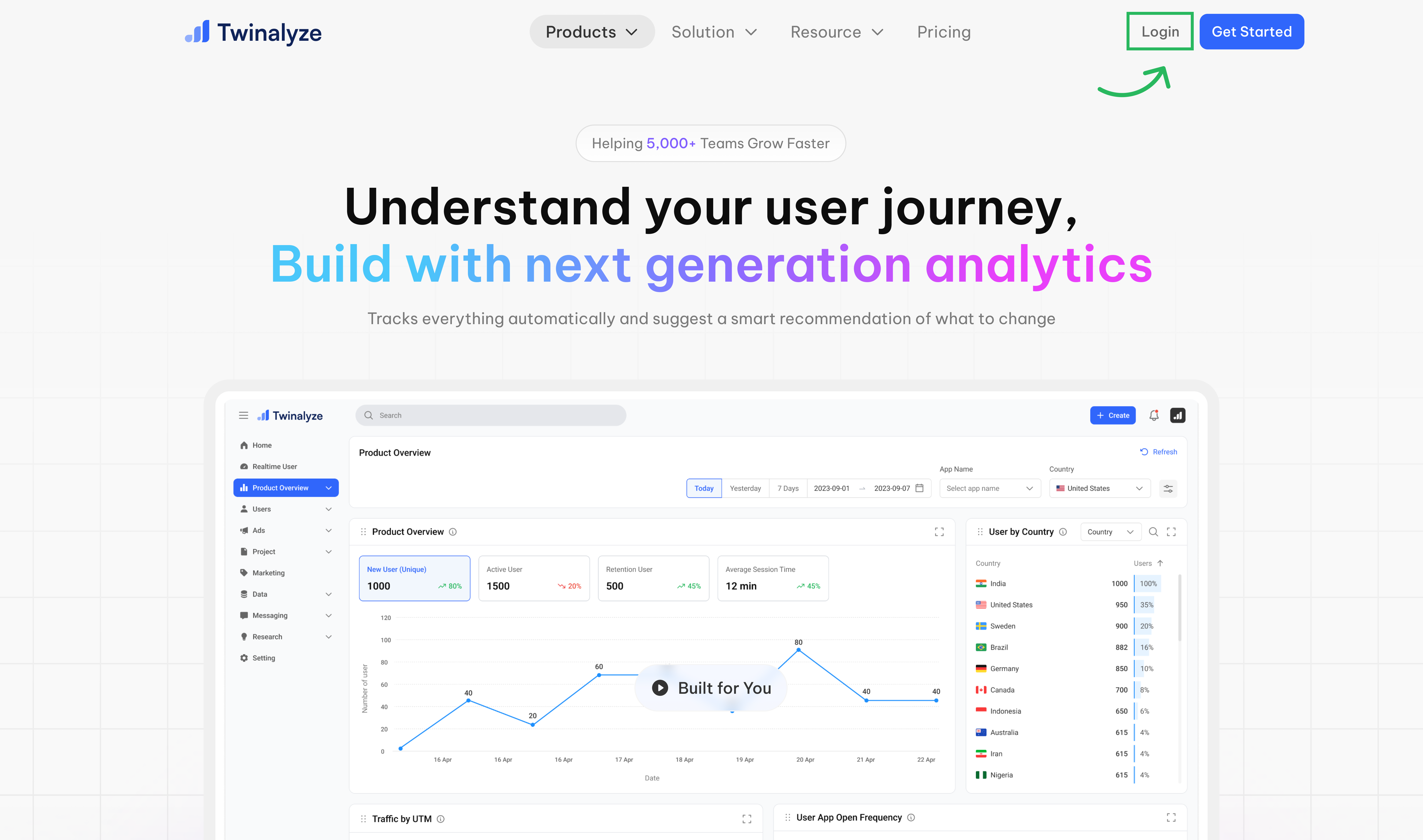
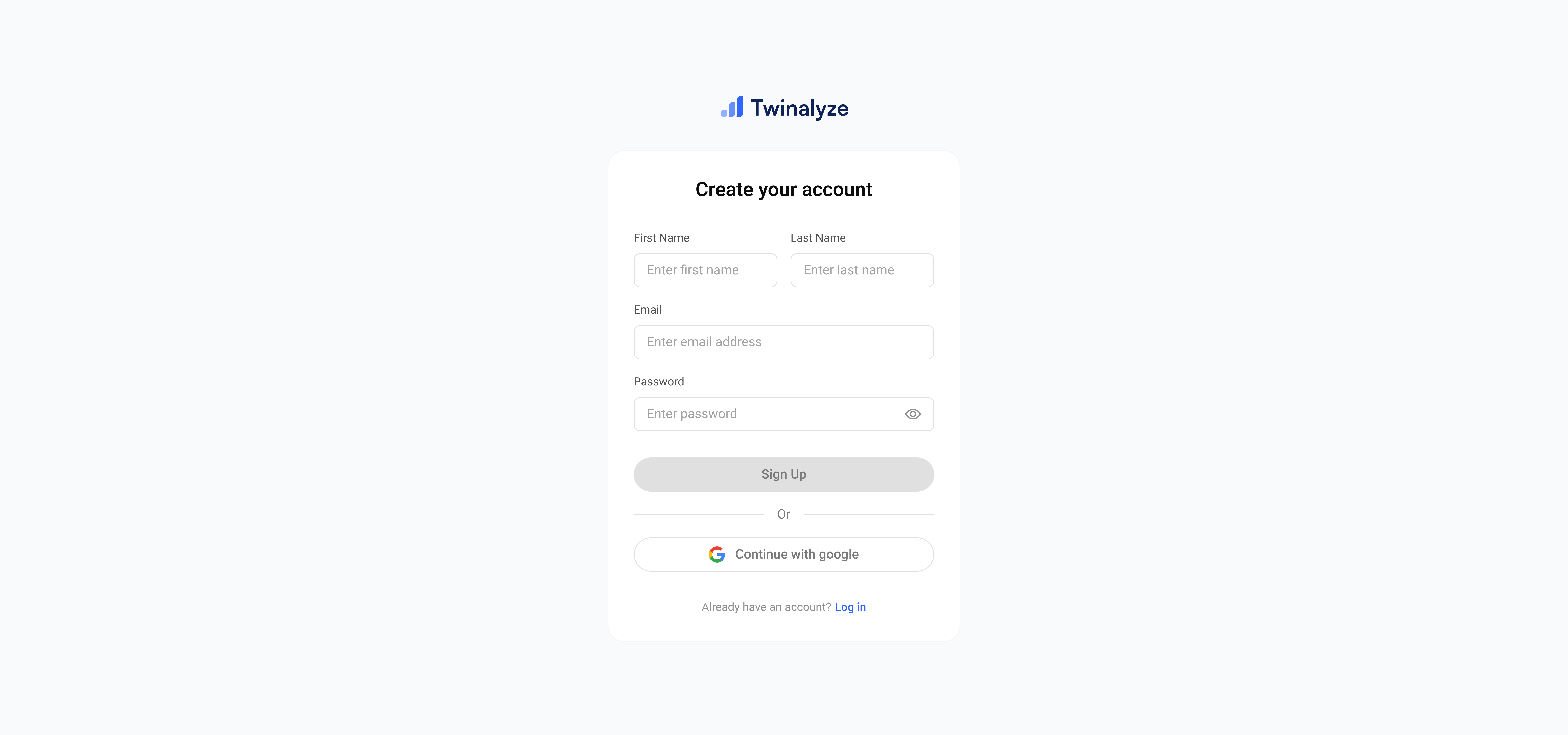
Create your organization
Enter your organization details and click Create Organization.Your organization is used to manage projects, team members, roles, permissions, and settings.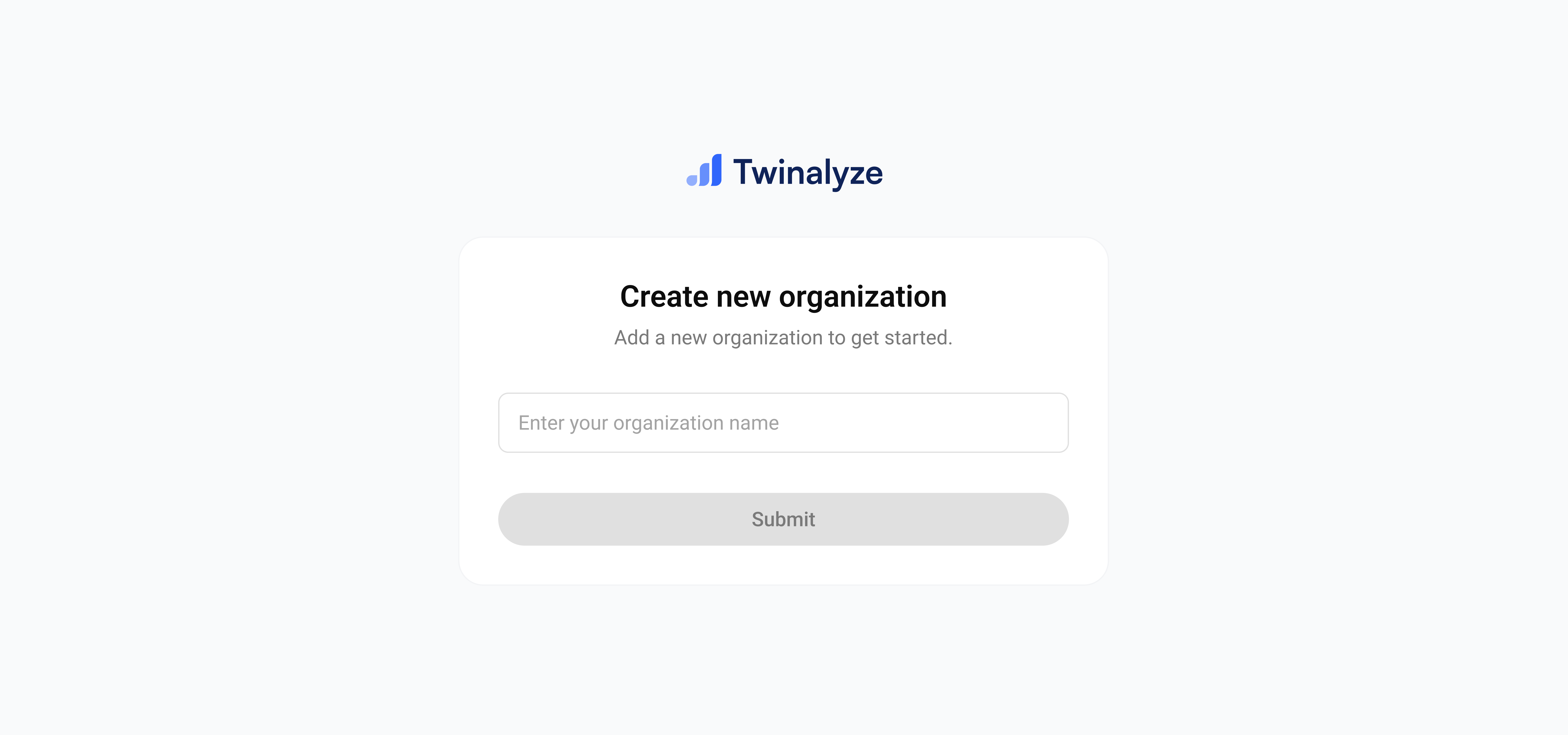
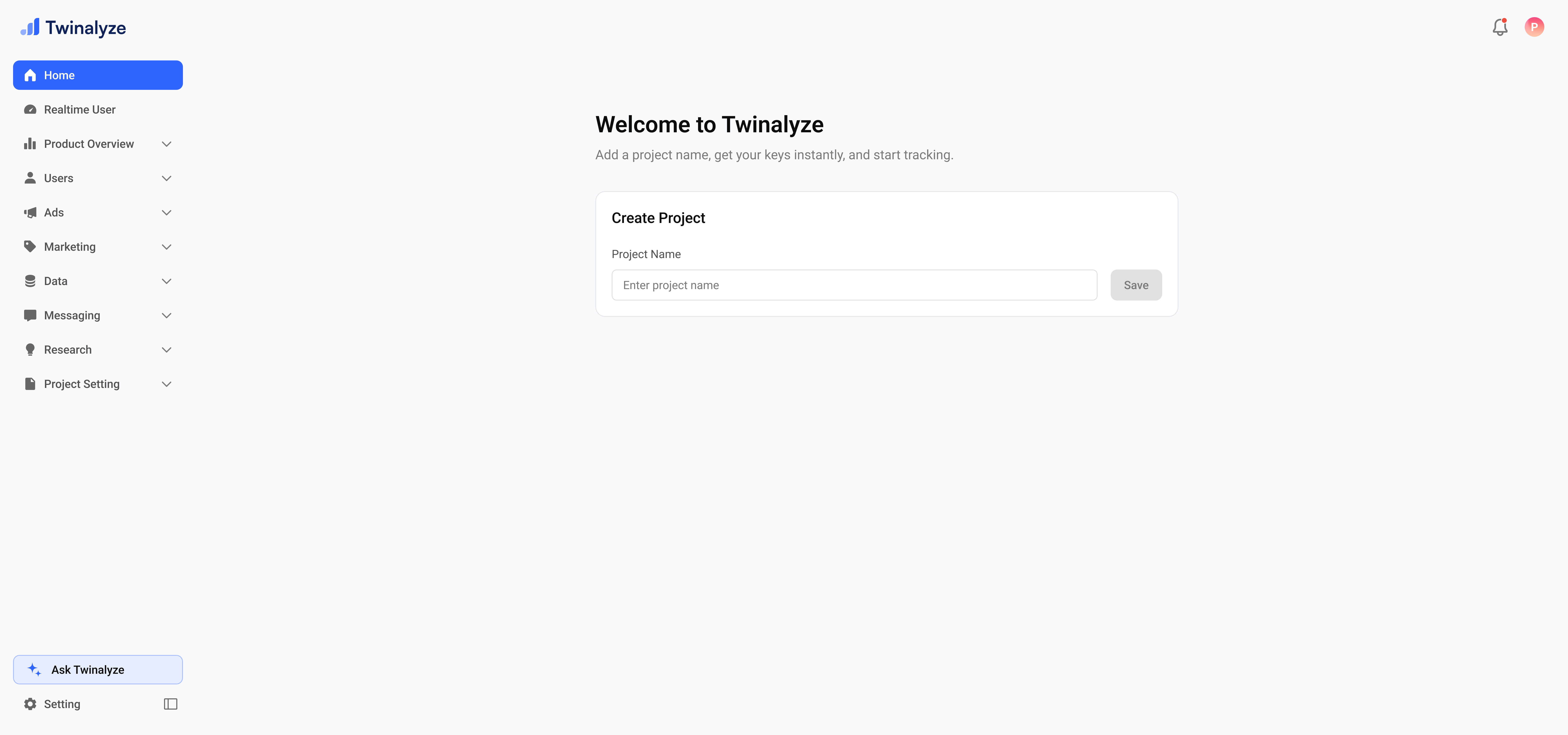
Edit organization
Go to Settings → Manage Profile → Organization Profile. Update your organization name, mobile number, website, or logo, and click Save.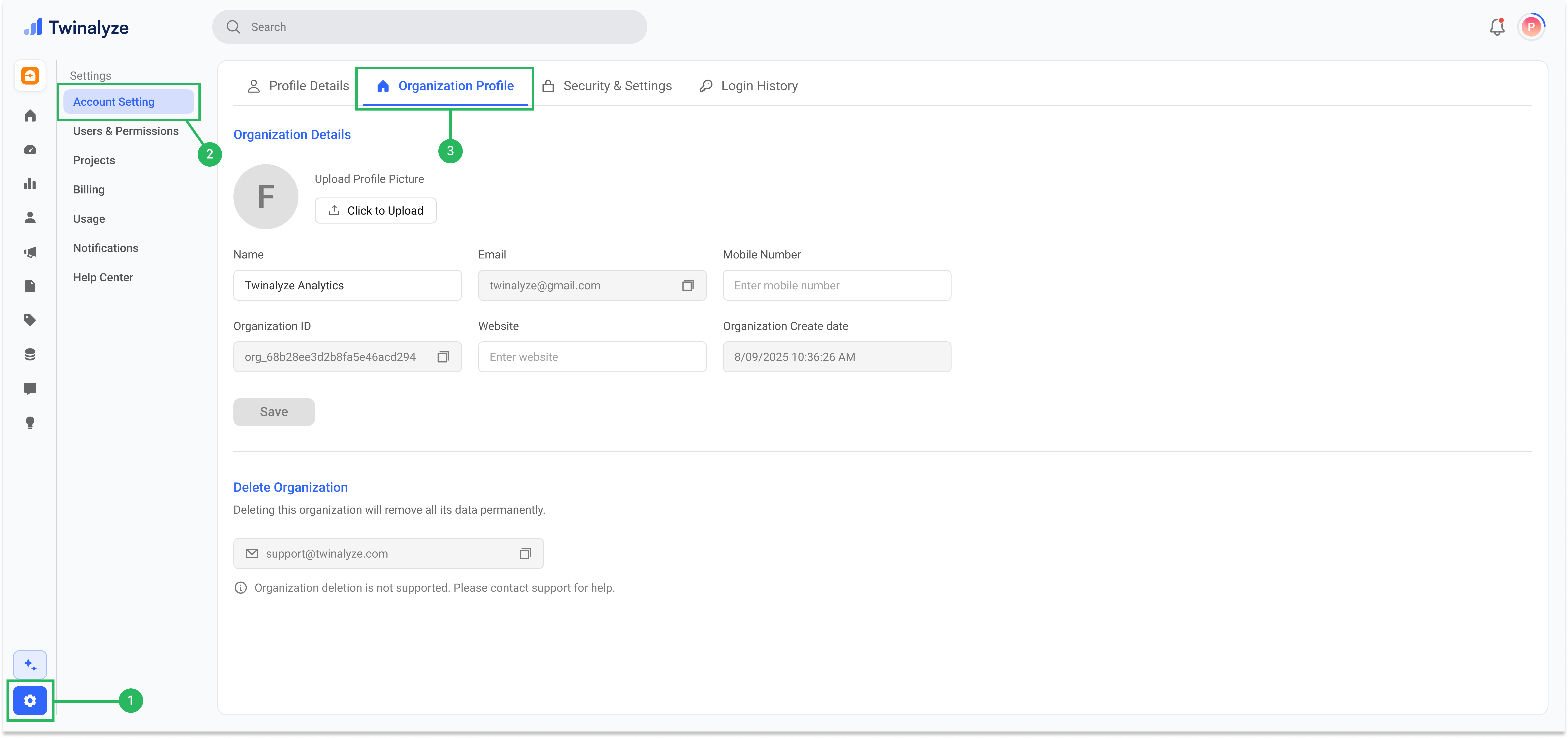
Delete organization
To delete your organization, send a request from your registered email address to support@twinalyze.com.Best practices
Use a valid business email
Use a valid business email
Use an email address that your team can access. A business email is recommended when creating an account for a company.
Create a strong password
Create a strong password
Use a secure password and do not share your account credentials with other team members.
Use a clear organization name
Use a clear organization name
Use your company, brand, or product name so team members can identify the organization easily.
Invite each team member separately
Invite each team member separately
Invite each team member and assign the appropriate role and permissions instead of sharing one account.
Keep organization details updated
Keep organization details updated
Update your organization name, contact information, website, and logo whenever your business information changes.