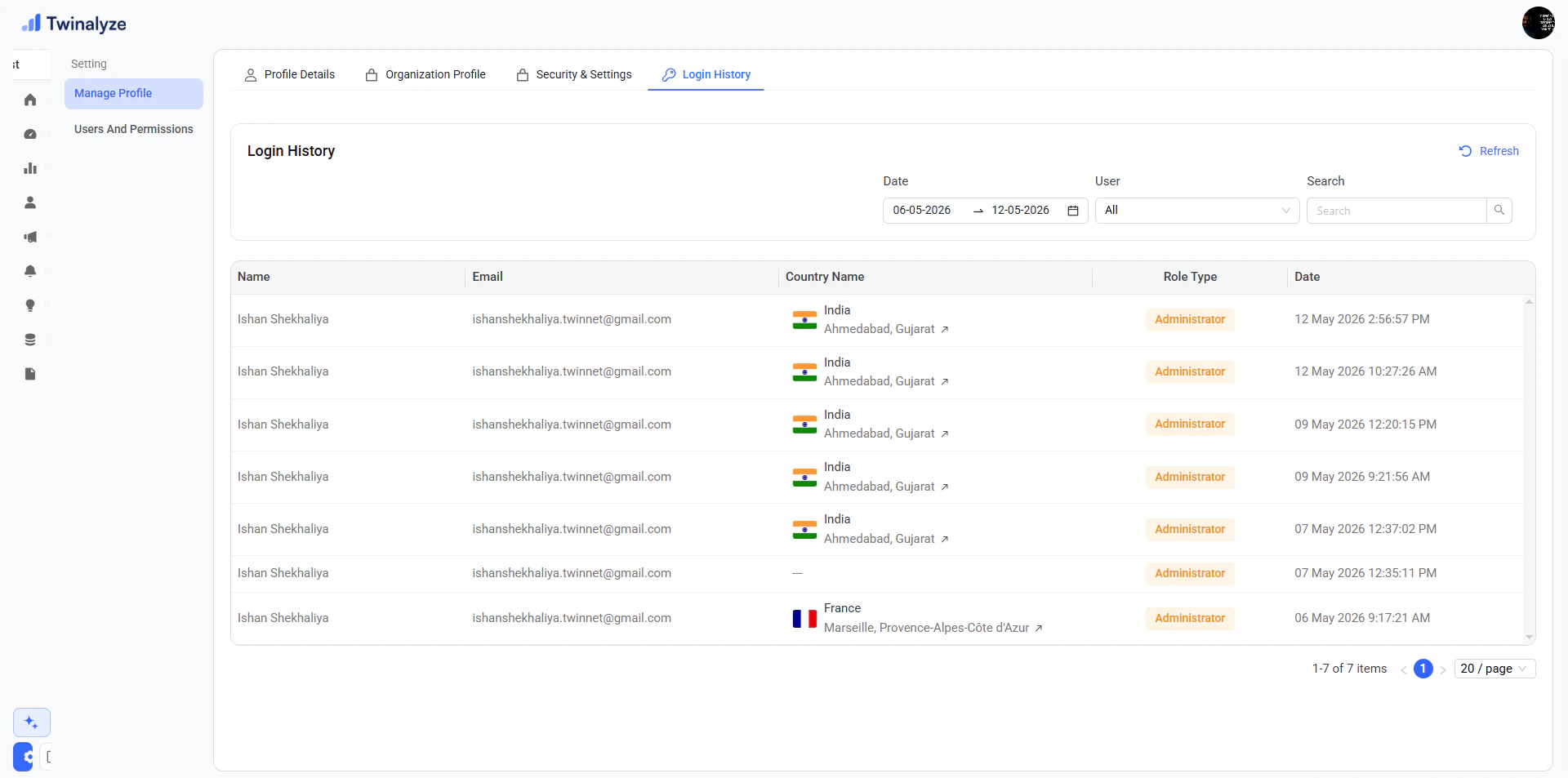
Settings is where users and admins manage account information, organization details, security preferences, login activity, team members, roles, and permissions. Use this page to keep your workspace secure, organized, and up to date.Documentation Index
Fetch the complete documentation index at: https://docs.paraminternationalltd.com/llms.txt
Use this file to discover all available pages before exploring further.
Page preview
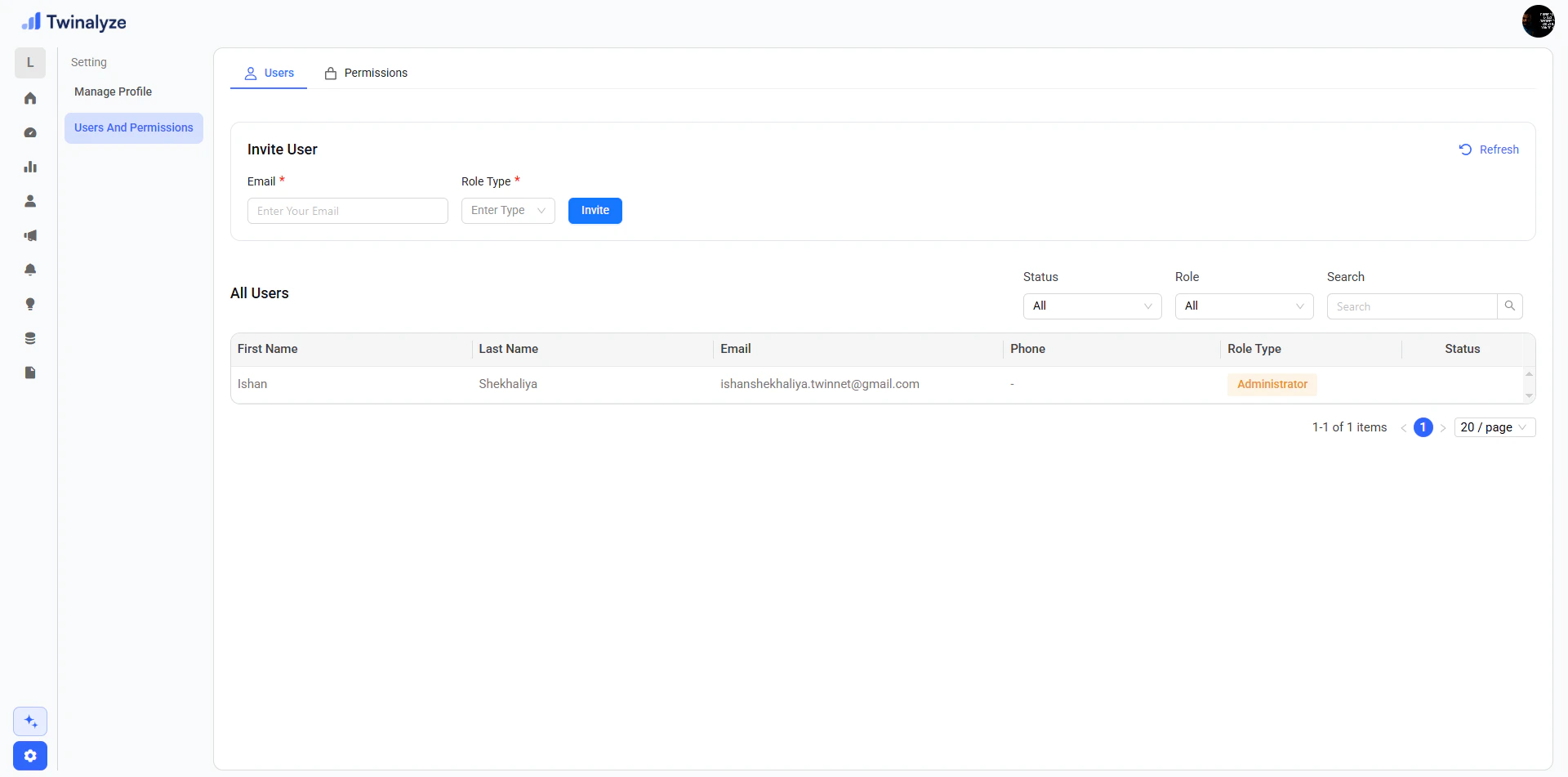
- Manage Profile
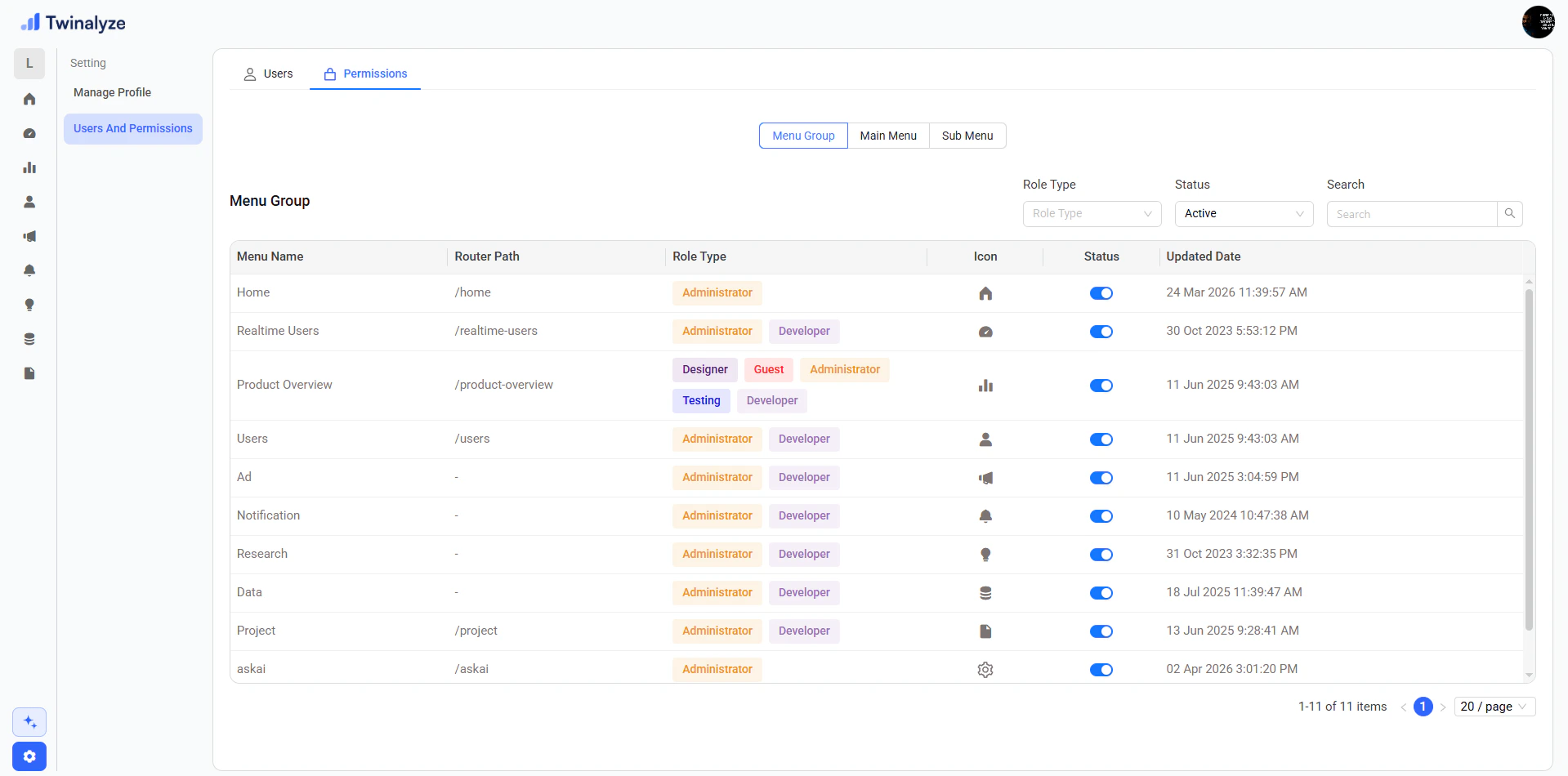
- Users & Permissions
Profile Details
Update profile picture, personal details, mobile number, date of birth, and address information.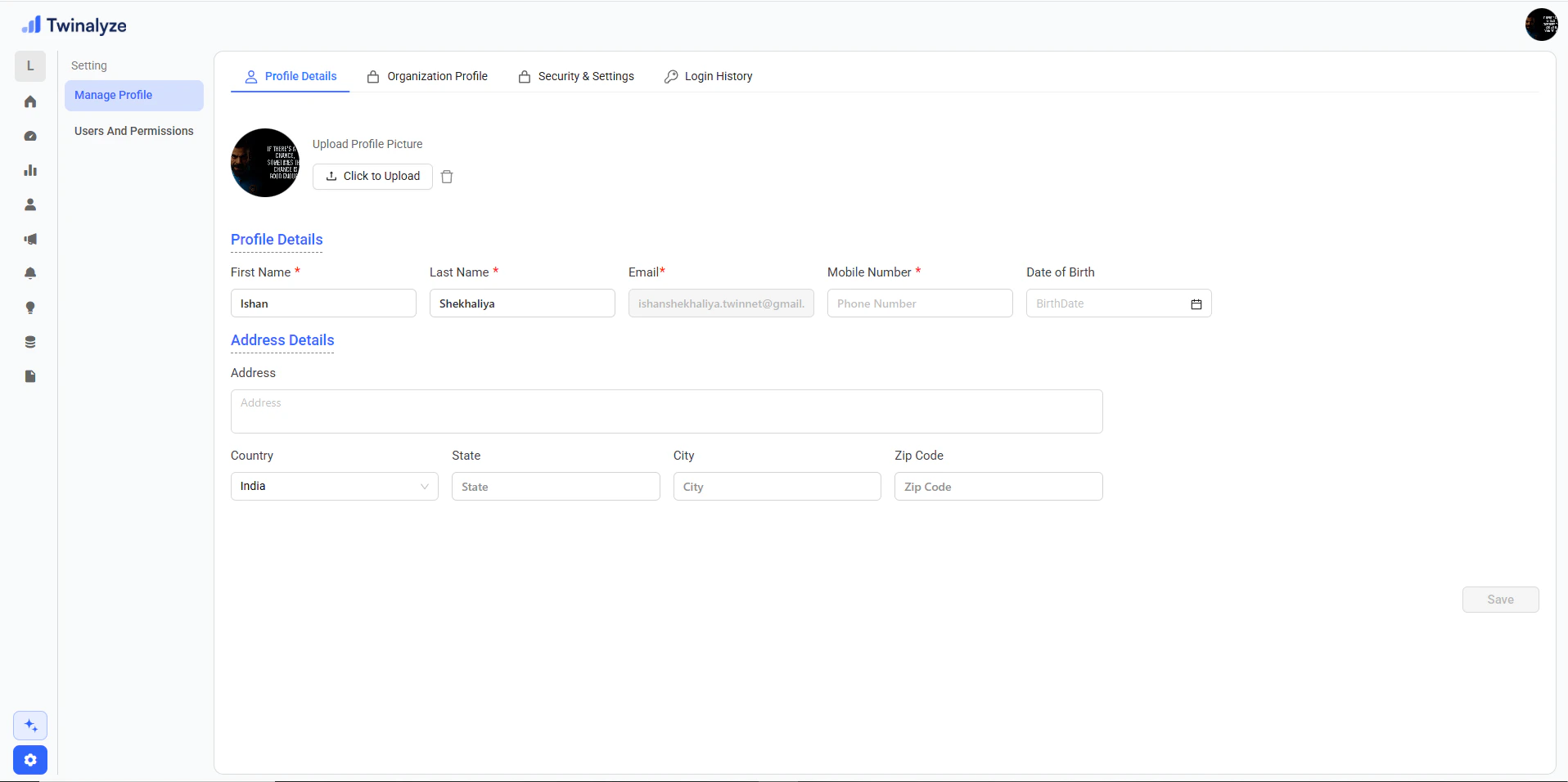
Organization Profile
Manage organization logo, name, email, mobile number, website, organization ID, and created date.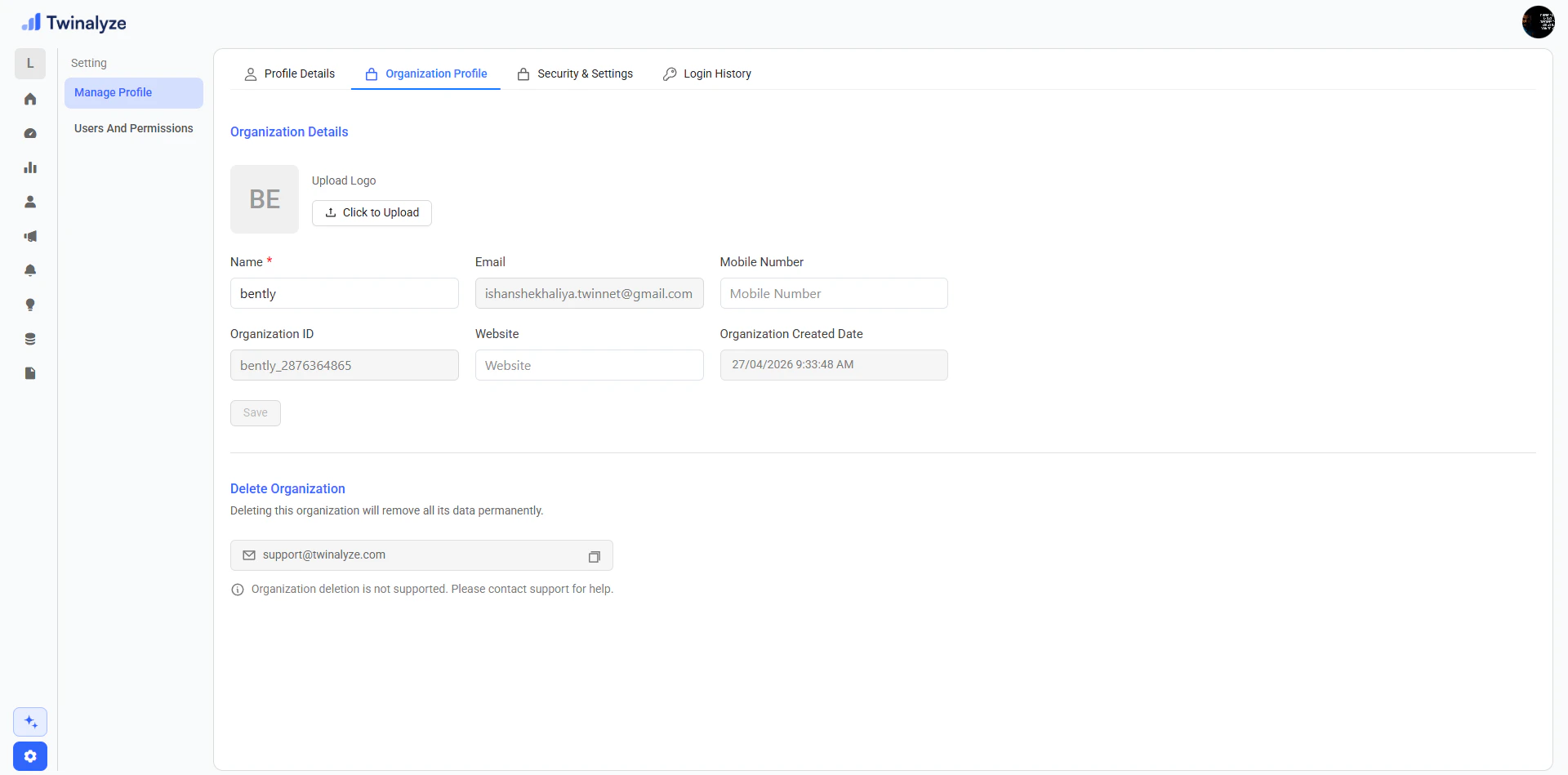
Frequently asked questions
Who can update profile details?
Who can update profile details?
Each user can manage their own profile details such as profile picture, name, mobile number, date of birth, and address information.Some fields, such as email, may be disabled because they are used as the primary account identity.
Who can update organization details?
Who can update organization details?
Organization details should usually be managed by an admin or owner-level user.This includes organization logo, organization name, website, mobile number, and other workspace information.
Why is email or organization ID disabled?
Why is email or organization ID disabled?
Email and organization ID may be locked because they are used as important identifiers inside Twinalyze.This helps avoid account mismatch, workspace mismatch, or access issues.
When should I use two-factor authentication?
When should I use two-factor authentication?
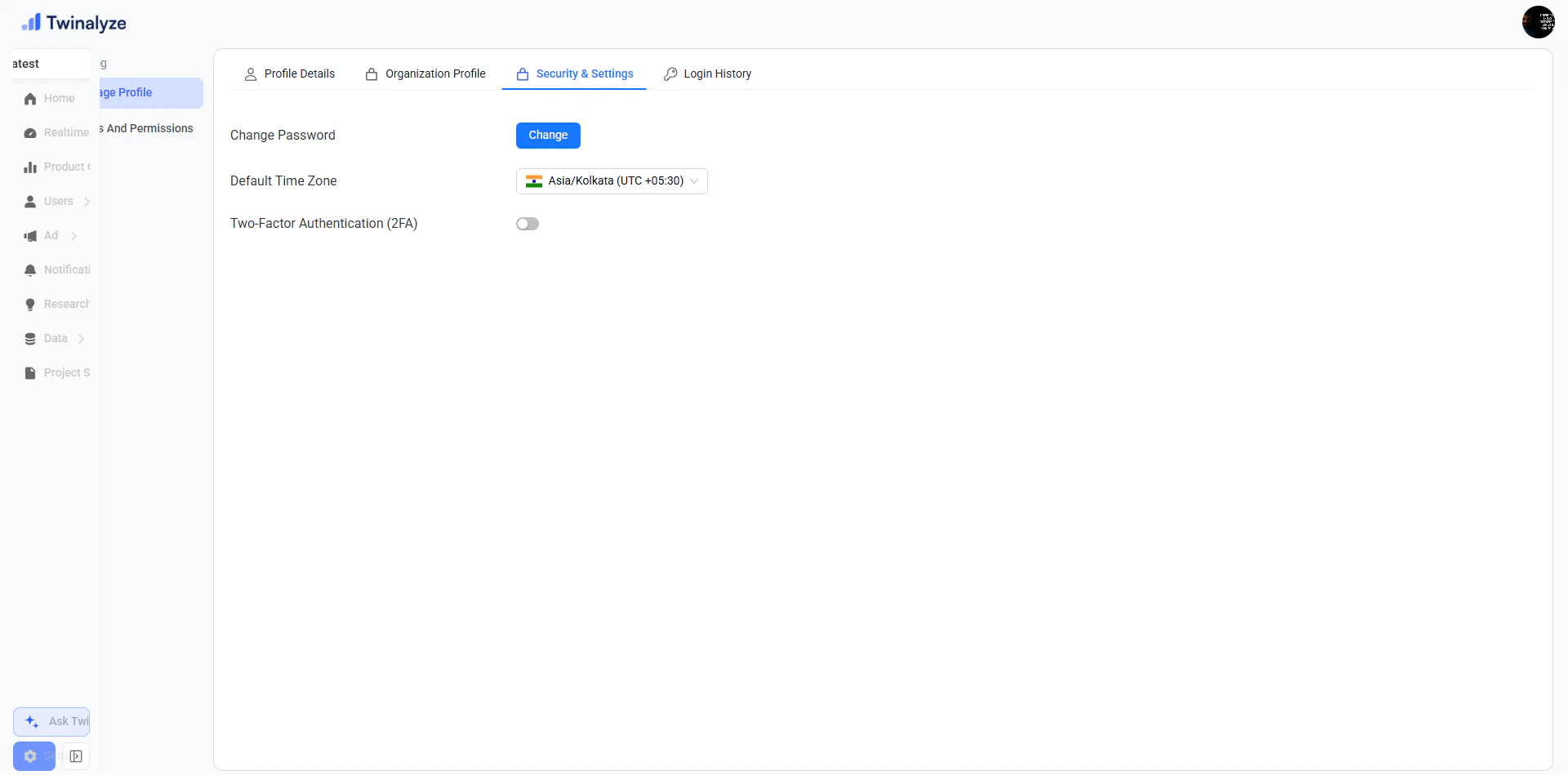
Two-factor authentication should be enabled when you want stronger account protection.It adds an extra security step during login and helps protect the workspace from unauthorized access.
How do I invite a team member?
How do I invite a team member?
Go to Users and Permissions → Users, enter the user email, select a role type, and click Invite.The invited user can access the workspace based on the assigned role.
How should I choose a role type?
How should I choose a role type?
Choose the role based on the user’s responsibility.For example, give admin access only to users who need full control. Developers, designers, guests, or testing users should receive only the access they need.
Settings helps your team manage account details, organization profile, security, login activity, users, roles, and permissions in one place.