The Dashboard Tour gives you a quick visual view of the main sections inside Twinalyze. Open any section below to view a short explanation and screenshot.Documentation Index
Fetch the complete documentation index at: https://docs.paraminternationalltd.com/llms.txt
Use this file to discover all available pages before exploring further.
This tour helps users quickly understand where each feature is available inside the Twinalyze dashboard.
Dashboard structure
Home
Home
Home is the first screen after login. It gives quick access to project setup, documentation, and main dashboard navigation.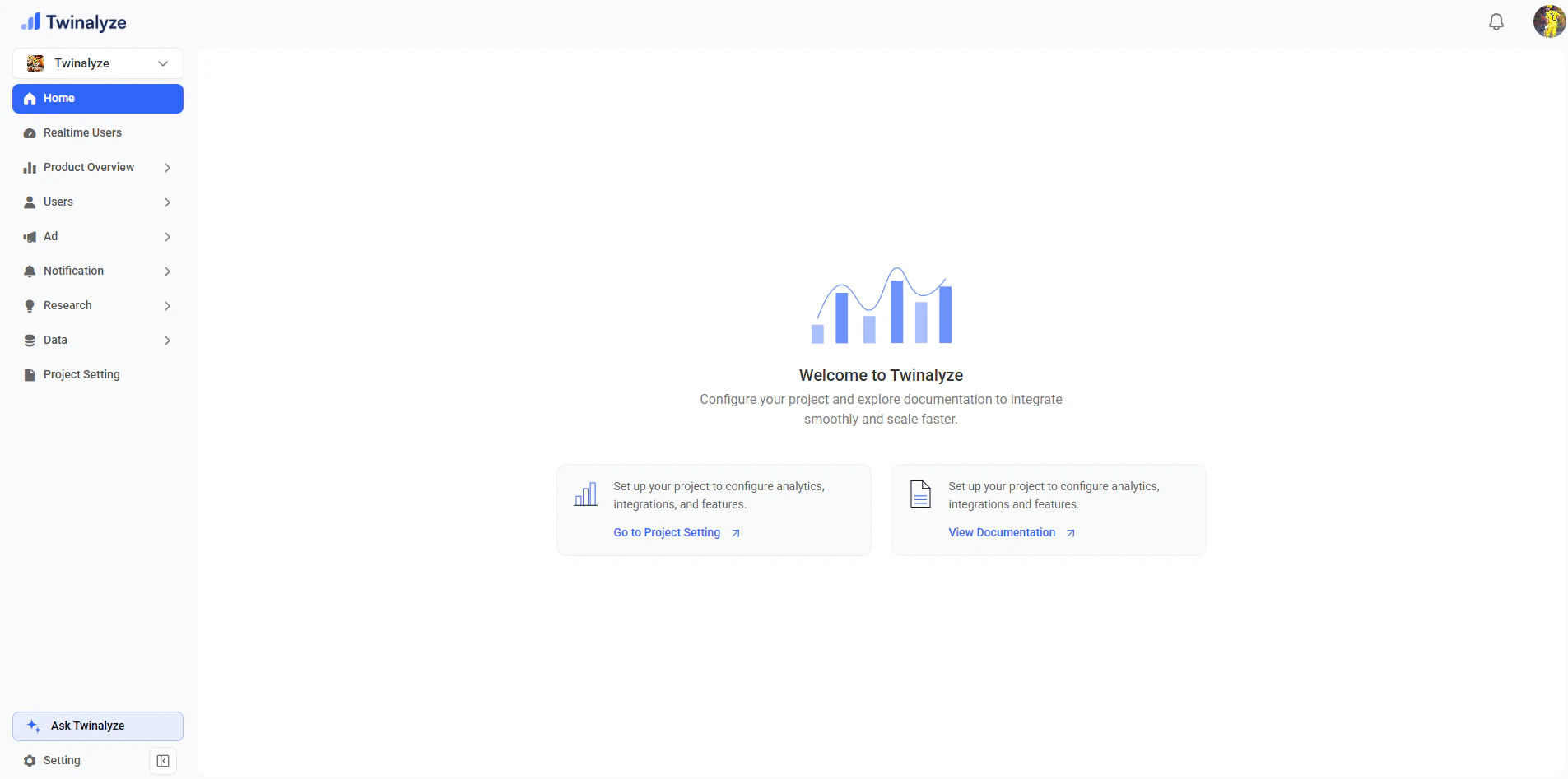
Realtime Users
Realtime Users
Realtime Users shows users who are currently active on your website or app.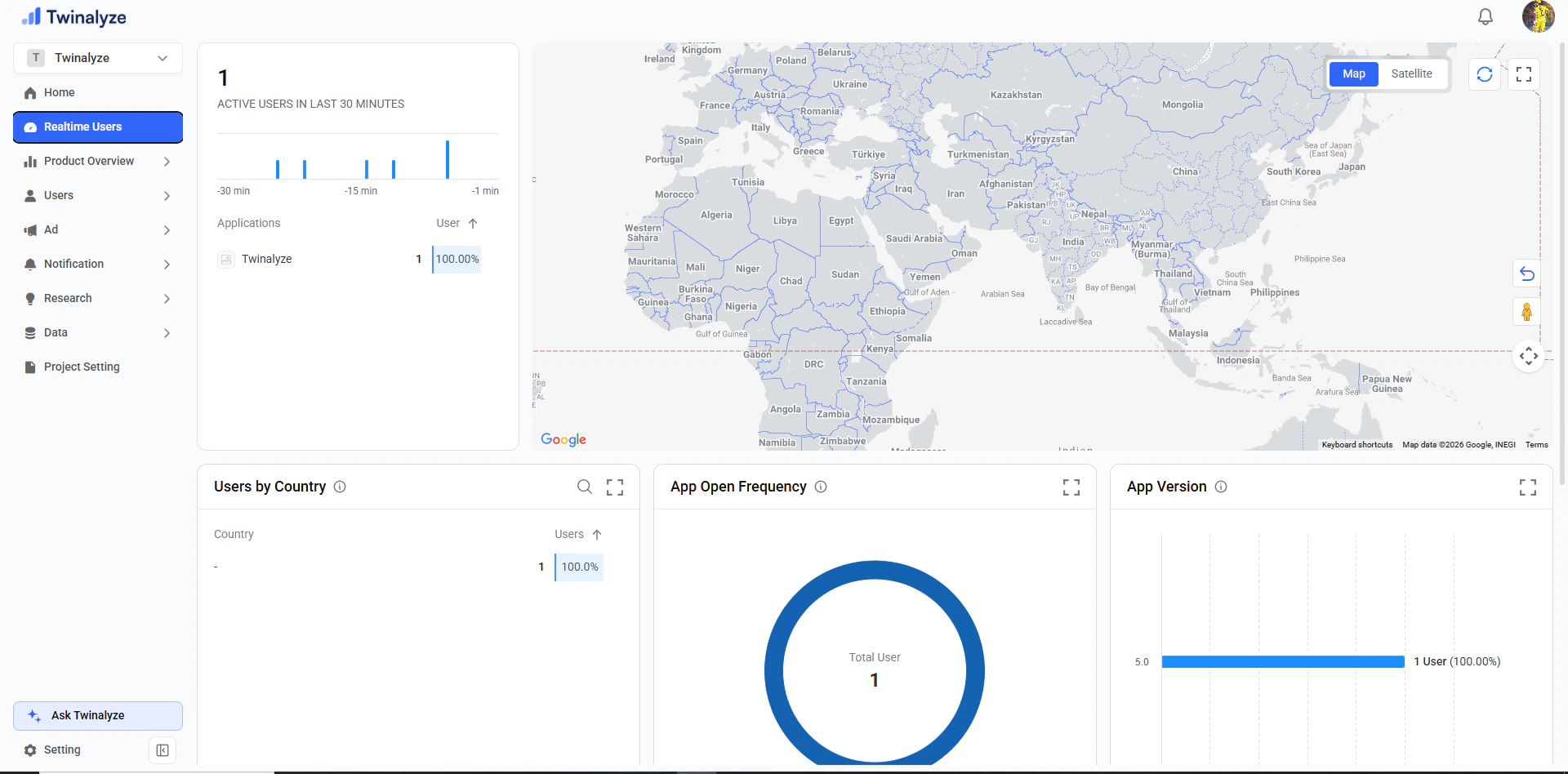
Product Overview
Product Overview
Product Overview helps you understand overall product performance, system insights, reports, and advanced reports.
System Insights
System Insights
System Insights shows product health, device and app language usage, and system-level activity.
Reports
Reports
Reports help you view saved analytics reports and product performance summaries.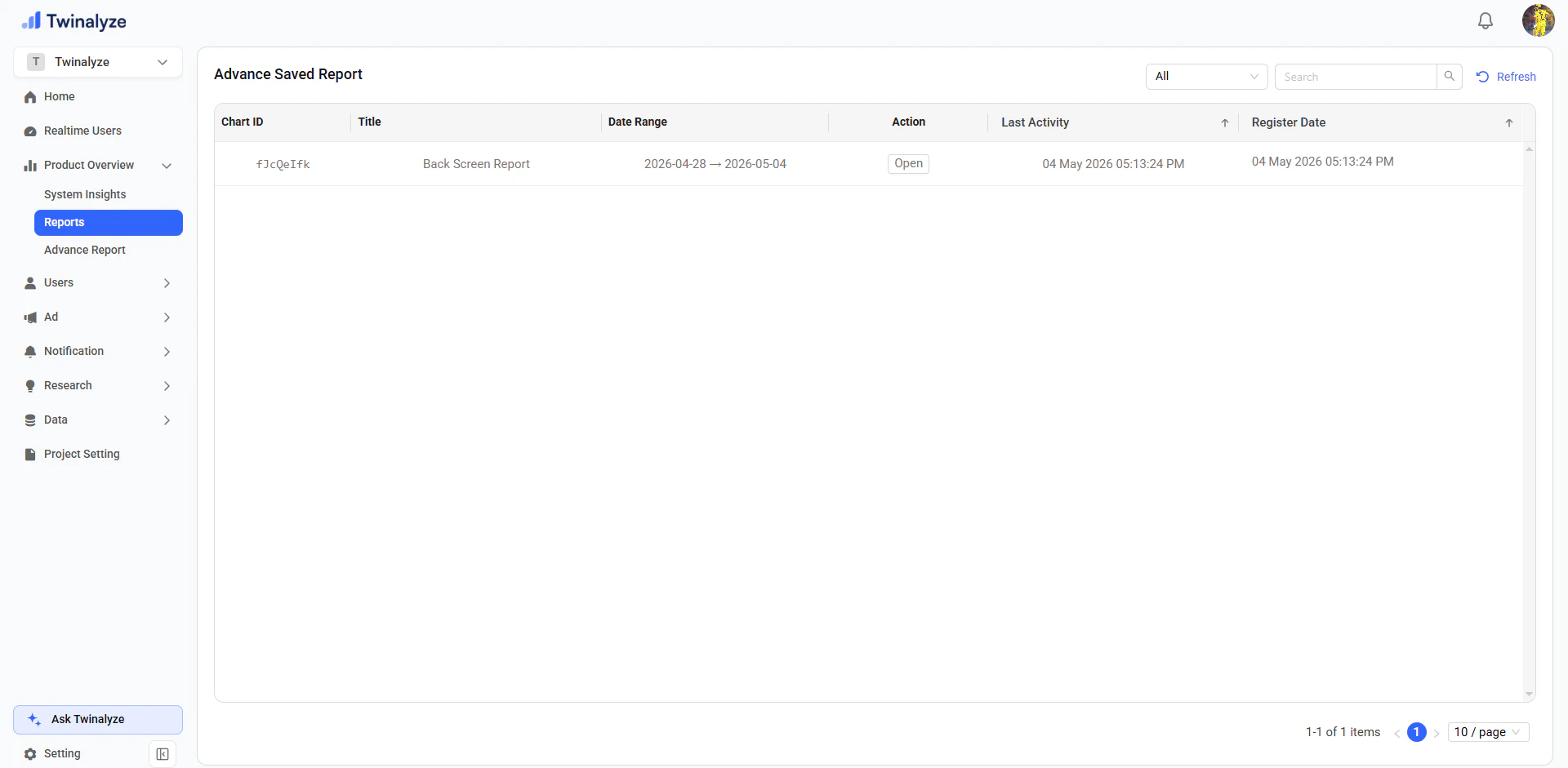
Advanced Report
Advanced Report
Advanced Report helps you create deeper custom reports using selected events, metrics, and filters.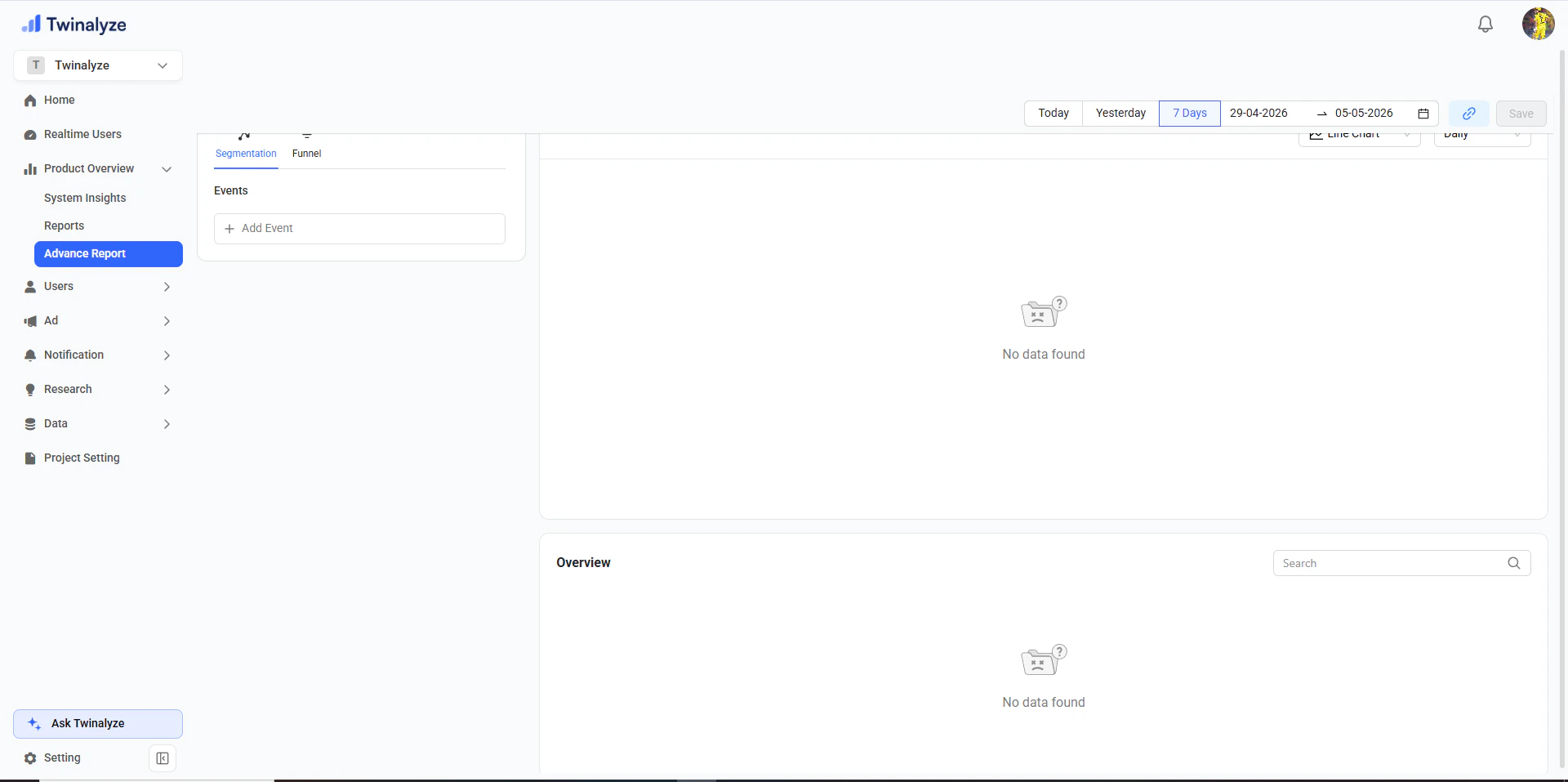
Users
Users
Users section helps you understand how users interact with your product over time.
Page Insights
Page Insights
Page Insights helps you understand page-level or screen-level user behavior.
User Engagement
User Engagement
User Engagement shows how often users open your app and how many sessions they create.
User Retention
User Retention
User Retention shows how many users return after their first visit or app open.
User Growth
User Growth
User Growth helps you understand how your user base increases over time.
Ad
Ad
Ad section helps you measure ad performance, campaign impact, revenue, and ad-related issues.
Ad Report
Ad Report
Ad Report helps you track ad performance, impressions, clicks, revenue, and monetization results.
Ad Failure Insights
Ad Failure Insights
Ad Failure Insights helps you find ad loading issues, failed impressions, error trends, and screen-level ad problems.
Notification
Notification
Notification section helps you create campaigns, target users, schedule messages, and analyze notification engagement.
Create Notification
Create Notification
Create Notification lets you add title, description, image, schedule, and target users.
Notification Engagement
Notification Engagement
Notification Engagement shows how users interact with notifications and how notification latency performs.
Notification Campaign
Notification Campaign
Notification Campaign shows users, opened count, failed count, click rate, status, and schedule details.
Research
Research
Research helps you explore market trends, app ranking, country filters, categories, and competitive insights.
Market Trends
Market Trends
Market Trends shows top apps, grossing apps, country filters, app categories, and ranking data.
Country Data
Country Data
Country Data helps you understand app and market data by selected country.
Data
Data
Data section helps you view and manage tracked events and event properties.
Events
Events
Events screen shows tracked events, source, auto status, manual status, visibility, and search.
Properties
Properties
Properties screen shows event properties, descriptions, status, visibility, and search.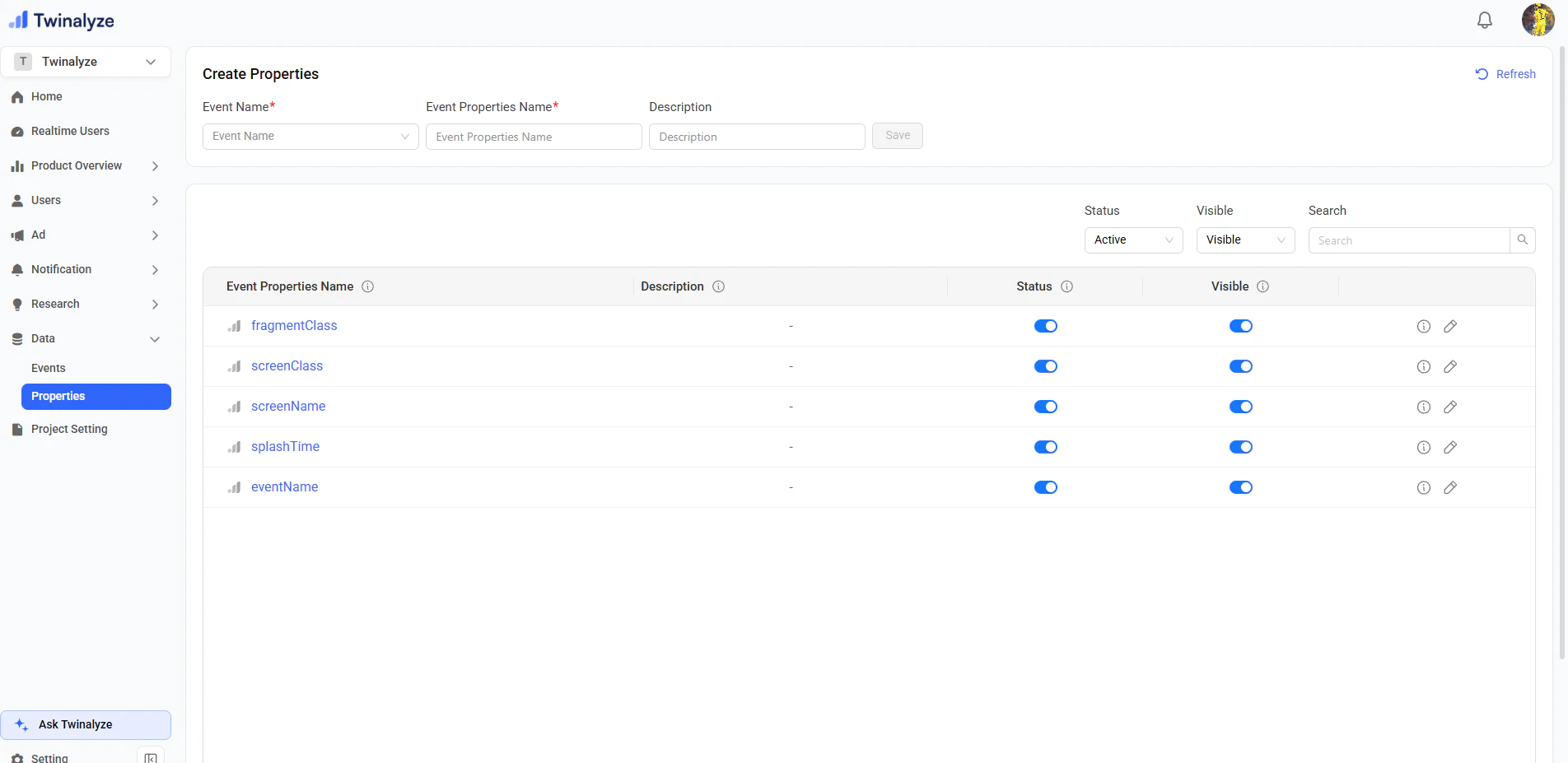
Project Setting
Project Setting
Project Setting helps you manage project information, SDK credentials, versions, devices, and screen-level activity.
Project Overview
Project Overview
Project Overview shows project logo, name, API key, secret key, organization ID, Firebase key, and description.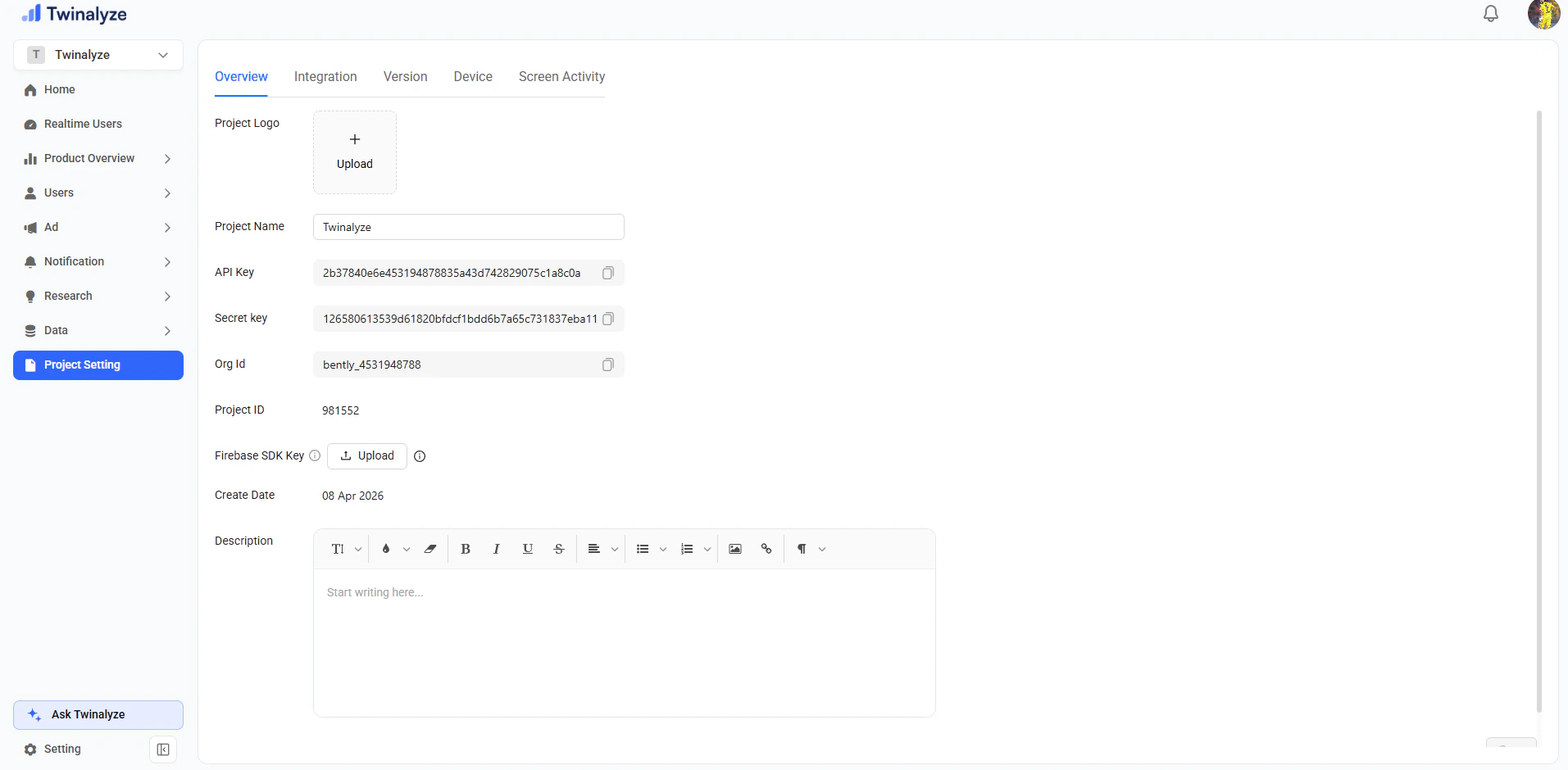
Version
Version
Version shows platform, app version mode, app version, and created date.
Device
Device
Device helps you view device-related project information.
Screen Activity
Screen Activity
Screen Activity helps you understand screen-level activity connected with your project.
Quick map
| Dashboard section | Use it for |
|---|---|
| Home | Start dashboard setup and access quick actions |
| Realtime Users | View currently active users |
| Product Overview | System insights, reports, and advanced reports |
| Users | Page insights, engagement, retention, and growth |
| Ad | Ad report and ad failure analysis |
| Notification | Create campaigns and view notification reports |
| Research | Market trends and country/category insights |
| Data | Events and properties management |
| Project Setting | Project details, keys, versions, and configuration |