> ## Documentation Index
> Fetch the complete documentation index at: https://docs.paraminternationalltd.com/llms.txt
> Use this file to discover all available pages before exploring further.
# Reports
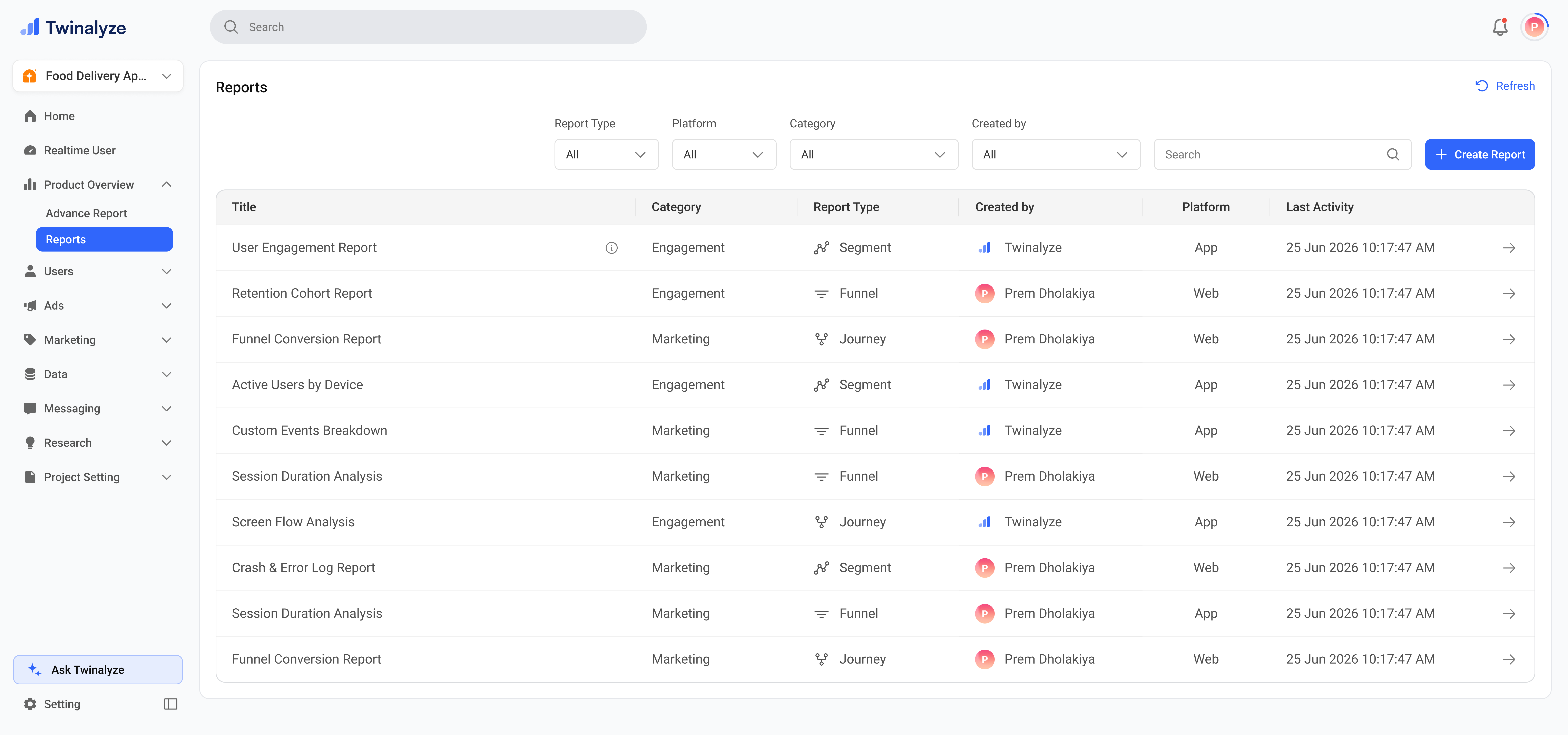
> View and reopen saved Advanced Reports in Twinalyze.
Reports shows all saved Advanced Reports in one place.Click on open to open the report you want to view.
 ***
## When to use this page
Use Reports when you want to open a saved Advanced Report without creating it again.
Keep commonly used reports available for your team so everyone can access the same analysis.
Use Last Activity and Register Date to understand when a report was created or last used.
Use search and filters when your report list becomes large.
***
## When to use this page
Use Reports when you want to open a saved Advanced Report without creating it again.
Keep commonly used reports available for your team so everyone can access the same analysis.
Use Last Activity and Register Date to understand when a report was created or last used.
Use search and filters when your report list becomes large.