> ## Documentation Index
> Fetch the complete documentation index at: https://docs.paraminternationalltd.com/llms.txt
> Use this file to discover all available pages before exploring further.

# Ask Twinalyze AI

> Use Ask Twinalyze AI to ask questions, explore analytics data, generate summaries, view tables, and get faster insights from your Twinalyze project.

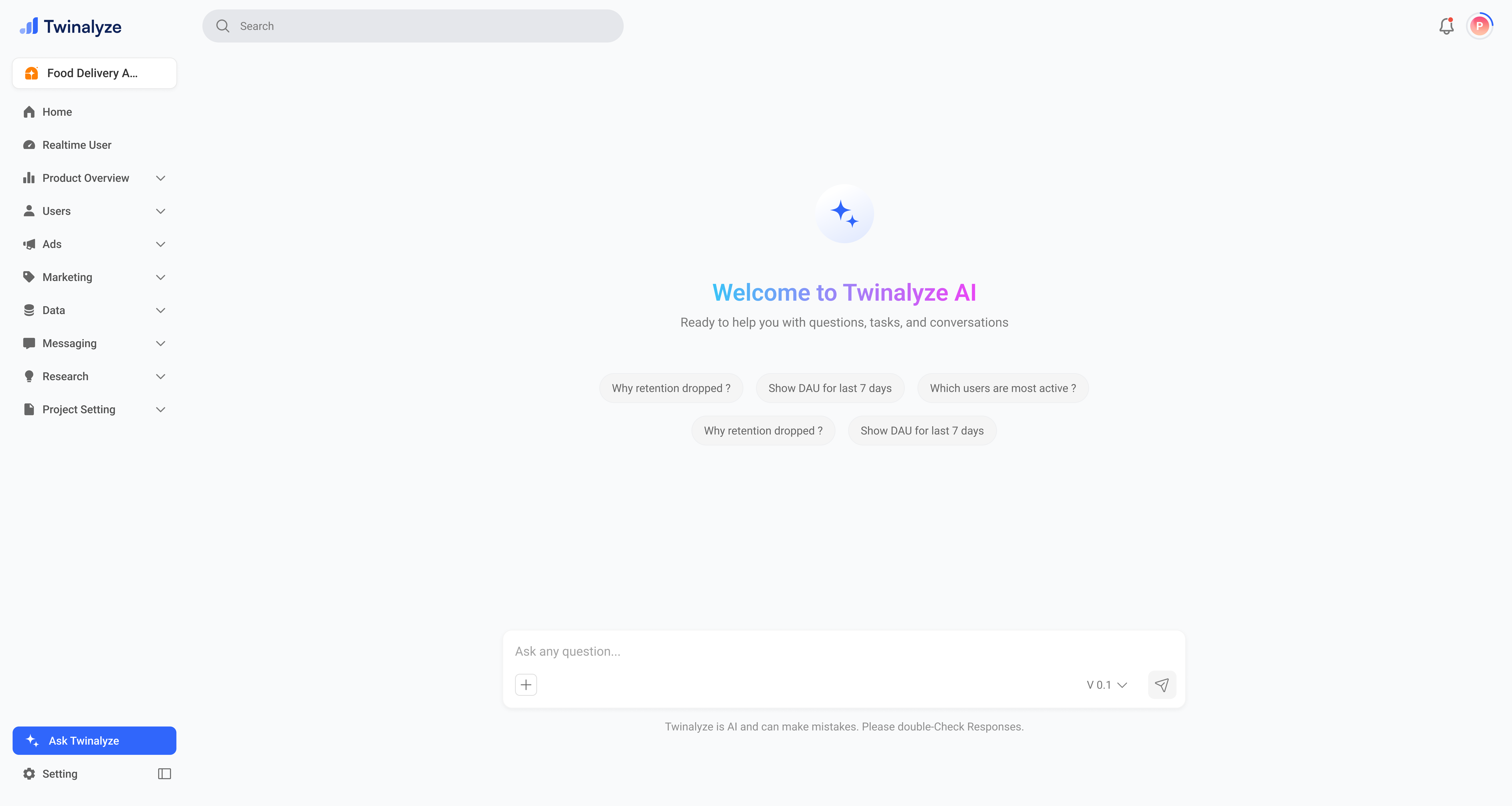
Instead of opening multiple reports manually, you can ask questions like **“Why did retention drop?”**, **“Which users are most active?”**, or **“Show DAU for last 7 days”** and get an easy-to-read answer.

<Steps>
  <Step title="Start from the Ask Twinalyze screen">
    You can type your own question or start from suggested prompts such as retention, DAU, or most active users.
    <Frame>
      <img src="https://mintcdn.com/chartbazaar/bx3tF2LqM38vl-i-/images/analyticspage/AiDefault.png?fit=max&auto=format&n=bx3tF2LqM38vl-i-&q=85&s=b761190414707624d123ce60dd652c49" alt="Twinalyze AI welcome screen" width="7680" height="4096" data-path="images/analyticspage/AiDefault.png" />
    </Frame>
  </Step>

  <Step title="Review AI answers and generated data">
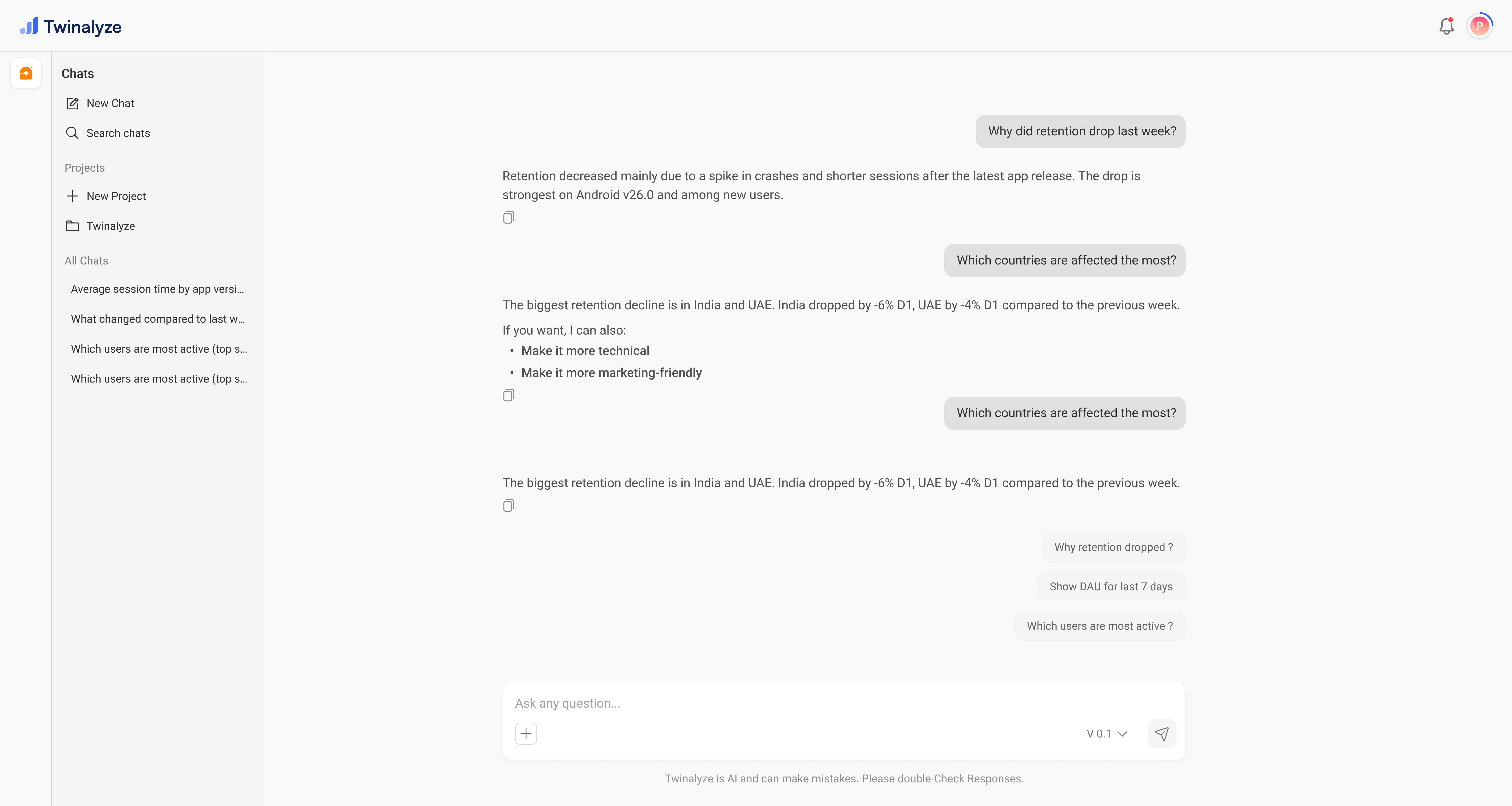
    It can also show structured results like tables, charts, pagination, load-more options, and follow-up suggestions.
    <Frame>
      <img src="https://mintcdn.com/chartbazaar/bx3tF2LqM38vl-i-/images/analyticspage/Ai-chat.png?fit=max&auto=format&n=bx3tF2LqM38vl-i-&q=85&s=3df8205c4c28821d0f7ccc2f22a23014" alt="Twinalyze AI chat response with table result" width="7680" height="4096" data-path="images/analyticspage/Ai-chat.png" />
    </Frame>
  </Step>
</Steps>

<div className="twinalyze-bottom-nav">
  <a href="/analytics/realtime-users" className="twinalyze-nav-side">
    <span className="twinalyze-nav-arrow">‹</span>
    <span>Previous</span>
  </a>

  <a href="/analytics/product-overview/overview" className="twinalyze-nav-center">
    <strong>Overview</strong>
    <span>Manage profile, organization, users, and permissions.</span>
  </a>

  <a href="/analytics/product-overview/overview" className="twinalyze-nav-side">
    <span>Next</span>
    <span className="twinalyze-nav-arrow">›</span>
  </a>
</div>
