> ## Documentation Index
> Fetch the complete documentation index at: https://docs.paraminternationalltd.com/llms.txt
> Use this file to discover all available pages before exploring further.
# Create an Account
> Create your free Twinalyze account in seconds using your email. Set up your organization, and start tracking users, events, and product performance.
Create an account
Open the Twinalyze website and click **Get started** or **Sign in** from the top-right corner.
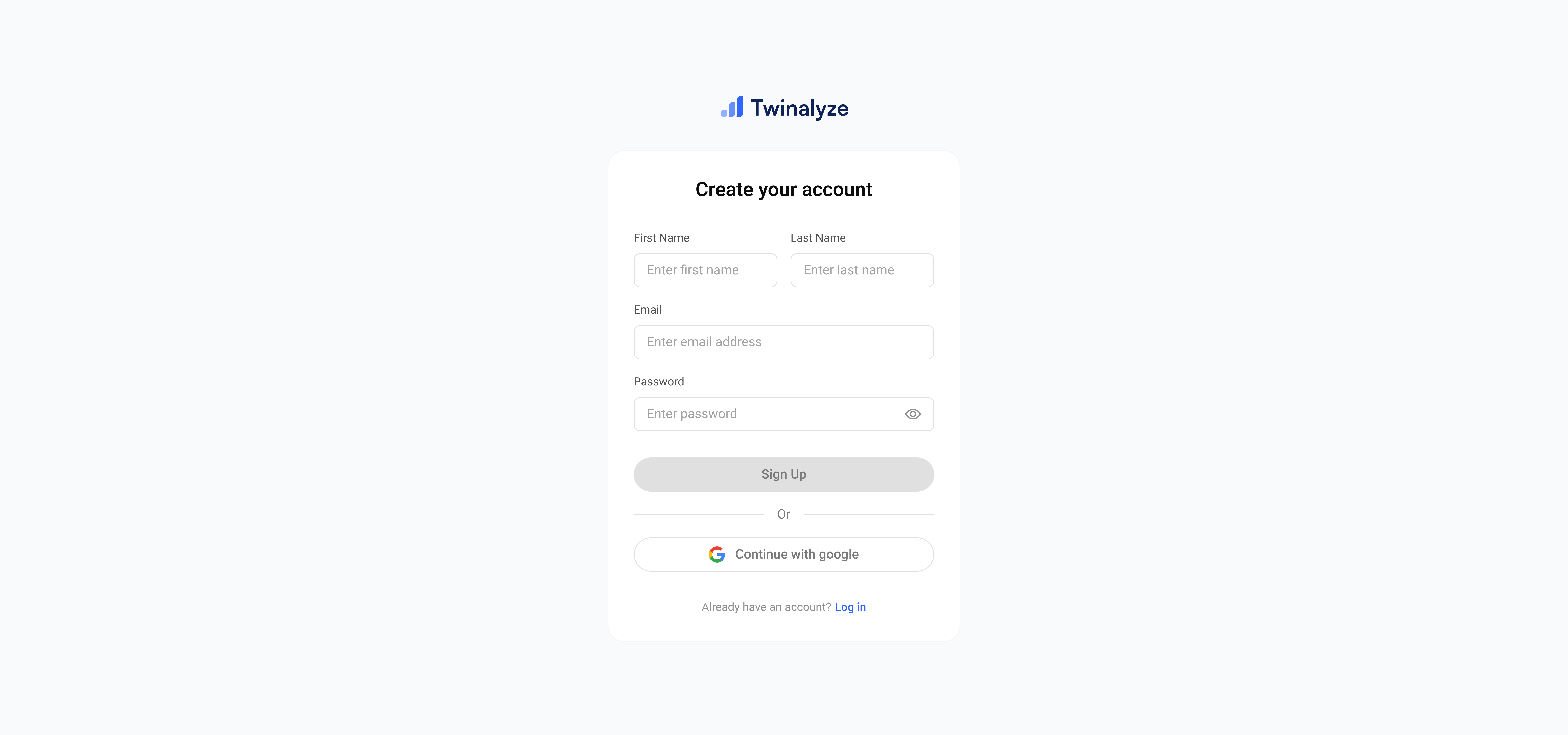
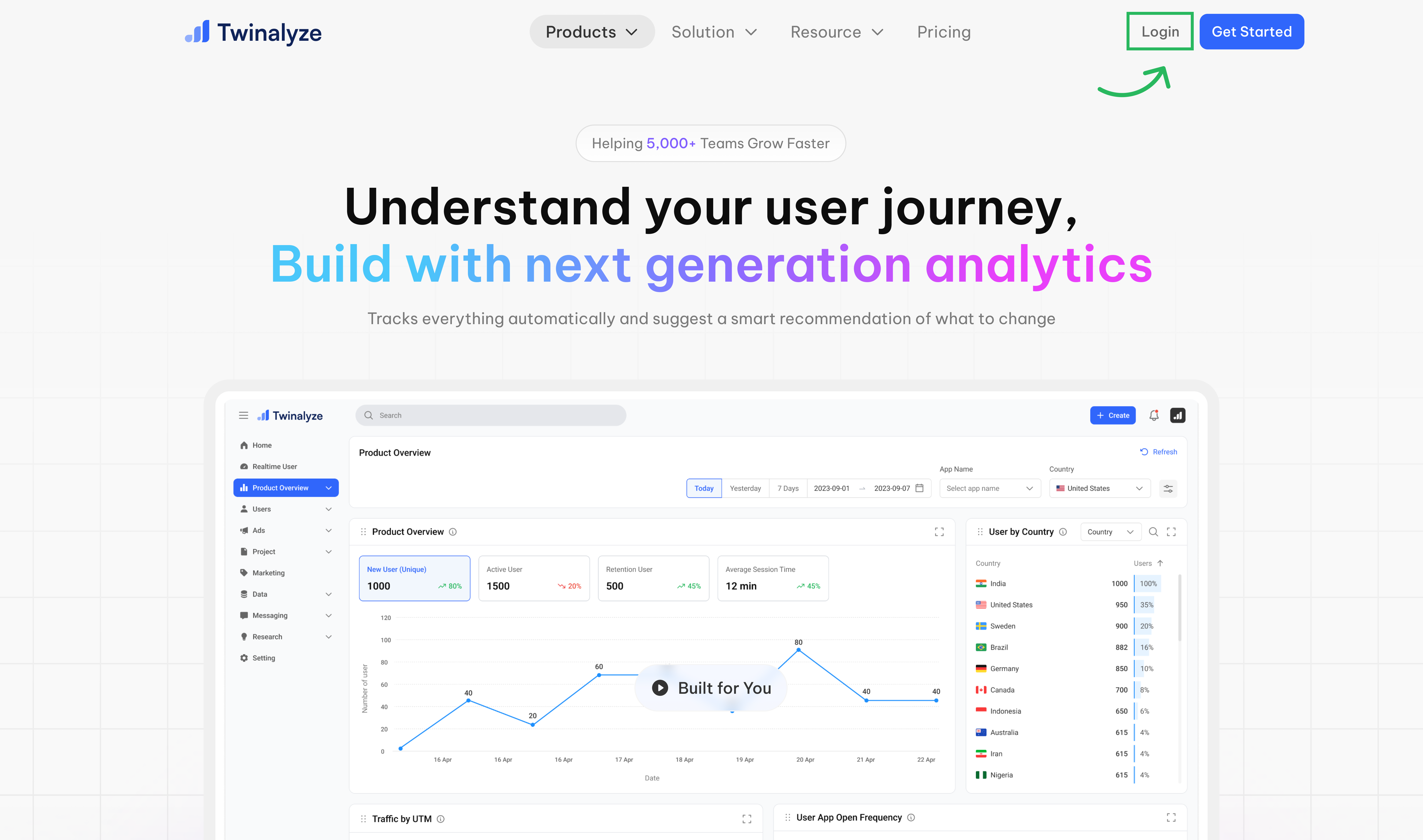 Select **Sign up**, enter your email address and password, and continue to create your account.
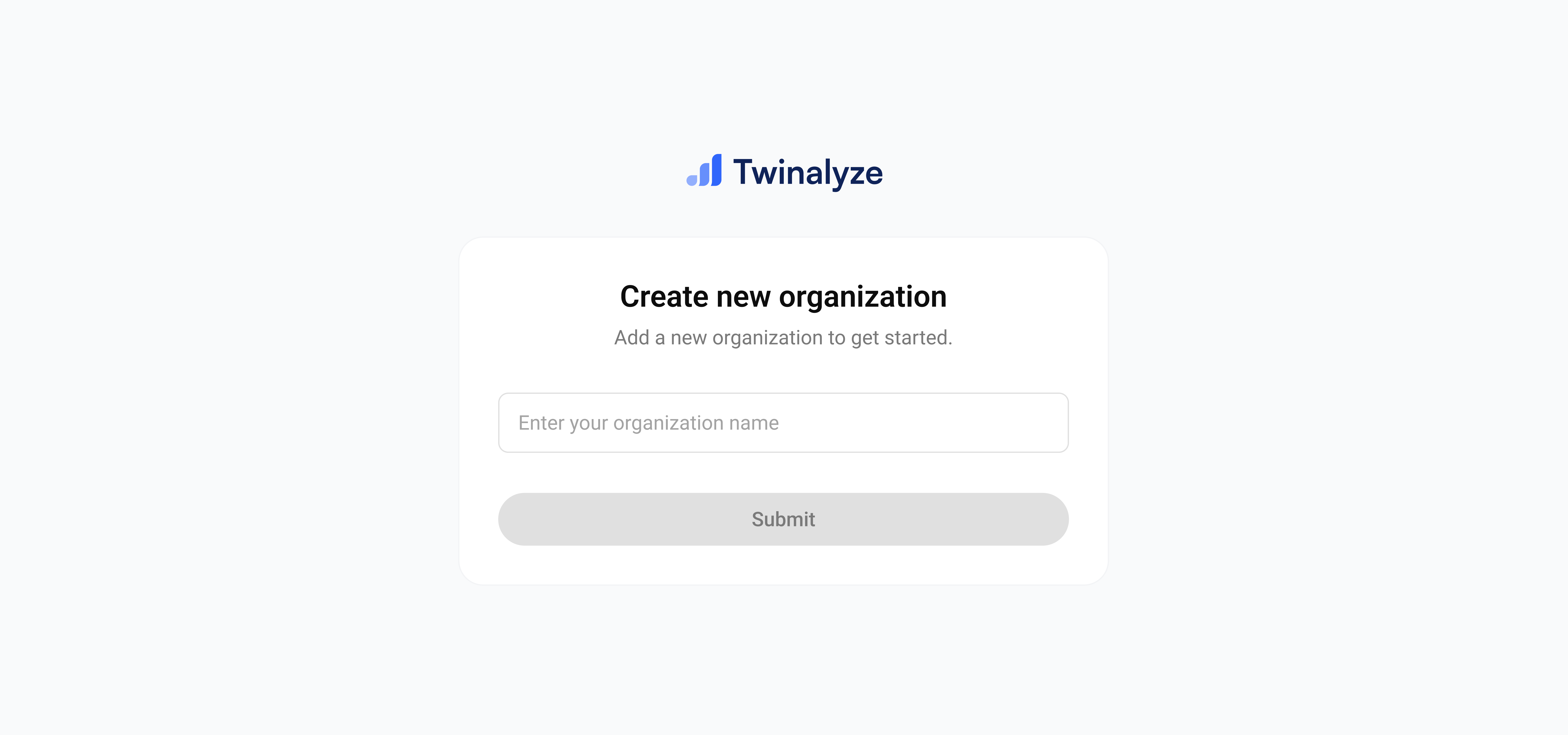
 Enter your organization details and click **Create Organization**.Your organization is used to manage projects, team members, roles, permissions, and settings.
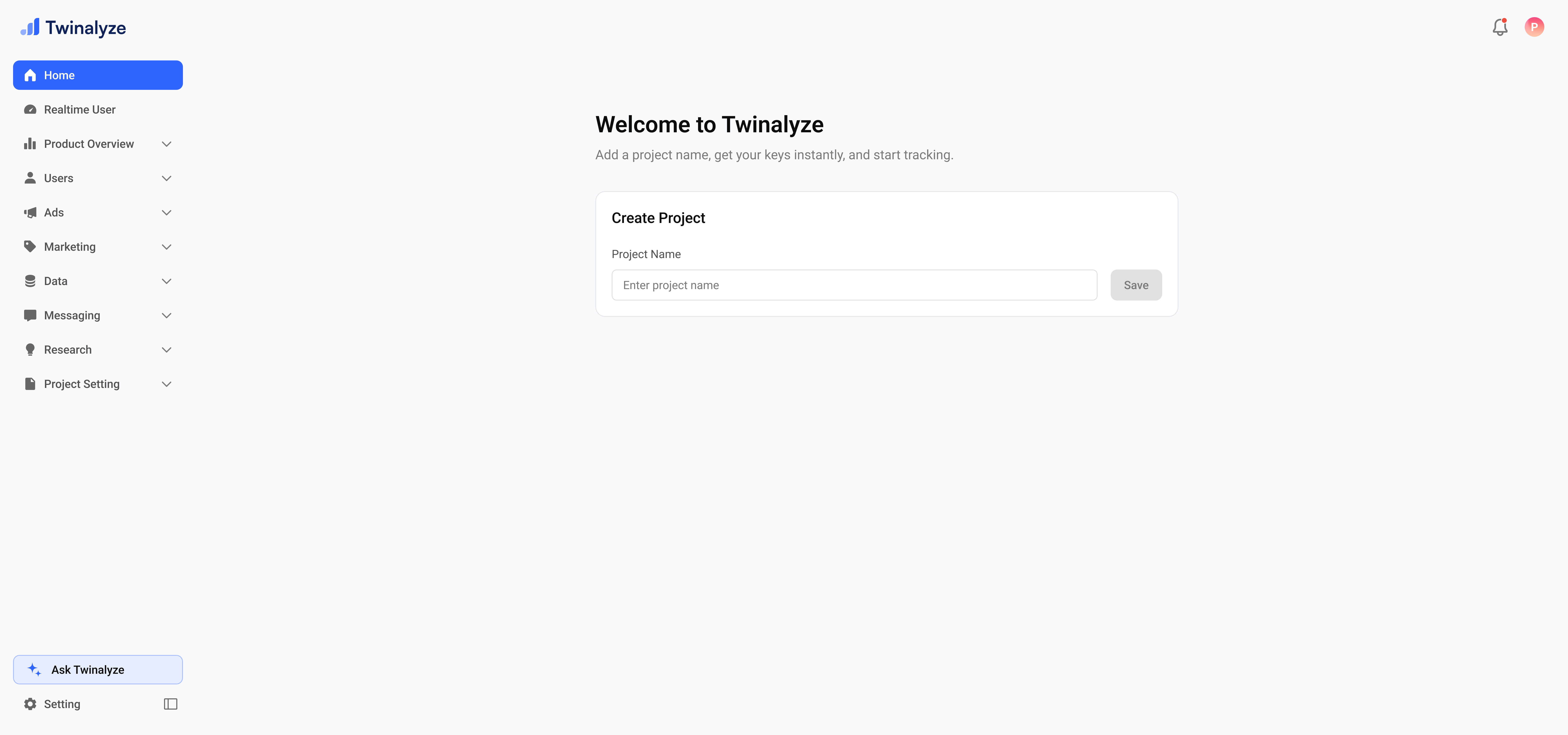
 After creating your organization, Twinalyze automatically opens your dashboard.You can now by start by creating project.
 ***
## Edit organization
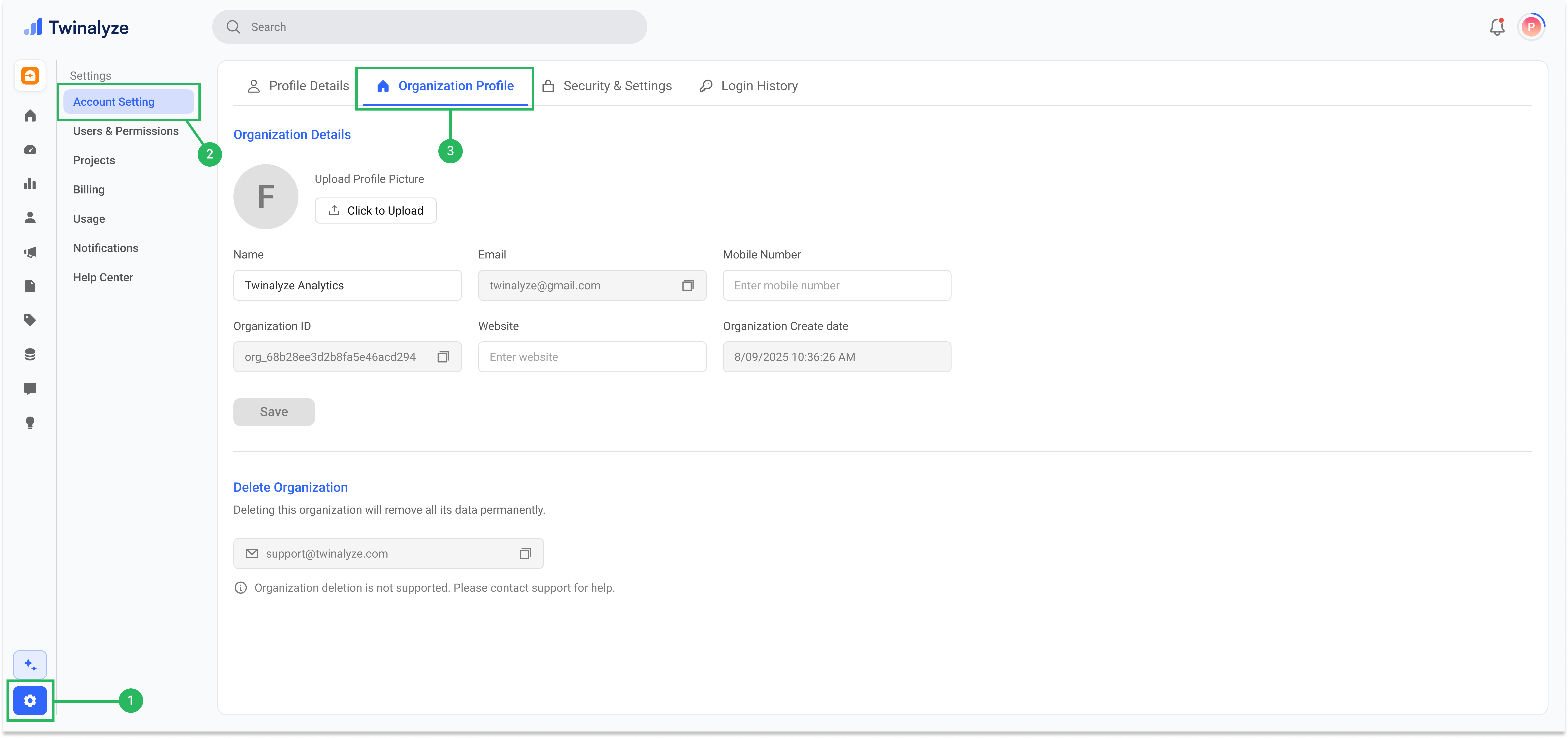
Go to **Settings → Manage Profile → Organization Profile**.
Update your organization name, mobile number, website, or logo, and click **Save**.
***
## Edit organization
Go to **Settings → Manage Profile → Organization Profile**.
Update your organization name, mobile number, website, or logo, and click **Save**.
 ***
## Delete organization
To delete your organization, send a request from your registered email address to [support@twinalyze.com](mailto:support@twinalyze.com).
Organization deletion permanently removes related projects, users, settings, and analytics data. Back up important information before submitting your request.
***
## Best practices
Use an email address that your team can access. A business email is recommended when creating an account for a company.
Use a secure password and do not share your account credentials with other team members.
Use your company, brand, or product name so team members can identify the organization easily.
Invite each team member and assign the appropriate role and permissions instead of sharing one account.
Update your organization name, contact information, website, and logo whenever your business information changes.
***
## Delete organization
To delete your organization, send a request from your registered email address to [support@twinalyze.com](mailto:support@twinalyze.com).
Organization deletion permanently removes related projects, users, settings, and analytics data. Back up important information before submitting your request.
***
## Best practices
Use an email address that your team can access. A business email is recommended when creating an account for a company.
Use a secure password and do not share your account credentials with other team members.
Use your company, brand, or product name so team members can identify the organization easily.
Invite each team member and assign the appropriate role and permissions instead of sharing one account.
Update your organization name, contact information, website, and logo whenever your business information changes.